Short answer
Gemini is the better choice for a team that lives in Google Workspace and wants cited research in Gemini Notebook. For press releases and spokesperson quotes, QuoteIt fits better: it drafts from your own documents, checks each claim in the finished draft against the passage it came from, and records the spokesperson's and client's approval.
TL;DR
- →Gemini's users praise how easy and fast it is and how it fits into Workspace; their most common complaint is answers that are confidently wrong.
- →Gemini Notebook cites direct quotes from your sources and jumps to the passage, but no Google page we read describes checking the claims in a draft you have written.
- →Google's pages give different pictures of when Gems end: 17 December 2026 for personal accounts in the help center, no sooner than 1 March 2027 for Workspace business and enterprise accounts, and still listed on the Free plan.
- →Google says Notebook ignores an organization's file sharing and data region settings and does not yet support ISO, SOC or FedRAMP compliance.
- →Research in Gemini Notebook if you live in Workspace; draft and clear the release in QuoteIt, where each claim sits beside its source passage and the spokesperson approves their quote.
Gemini is already in the Google Doc where your client leaves comments, so the first draft of the release can appear there in seconds. That is the appeal and the risk. The complaint its users raise most often is answers that are confidently wrong, and a confident wrong figure is the kind that reaches a journalist. Cision found 72% of journalists worry about factual errors in AI-generated PR content1.
Google's documentation is honest about what it does. Gemini Notebook (called NotebookLM until 16 July 20262) cites the passages behind its answers3, and Gemini in Docs shows which files a draft used4. None of the pages we read describes checking the claims in a release you have drafted, or a format for press releases or spokesperson quotes45. And the client templates many teams built as Gems are being replaced by skills6.
Our verdict: if your team lives in Google Workspace7, keep Gemini, and use Notebook for research. For the release and the quote, use a tool that drafts from your documents, checks each claim in the finished draft against its passage and records who approved it. QuoteIt does that.
What does Gemini do well for PR work?
Gemini's advantage is that it works inside the documents a team already shares. In Docs it writes first drafts from files in Drive, Chat, Gmail and the web4. You add files through the Sources menu or an @ mention, and selecting Sources afterwards shows which ones a draft used4. You can also choose the locations where Gemini searches for related content4. Its suggestions land in the document, to accept one at a time, accept all or reject all5.
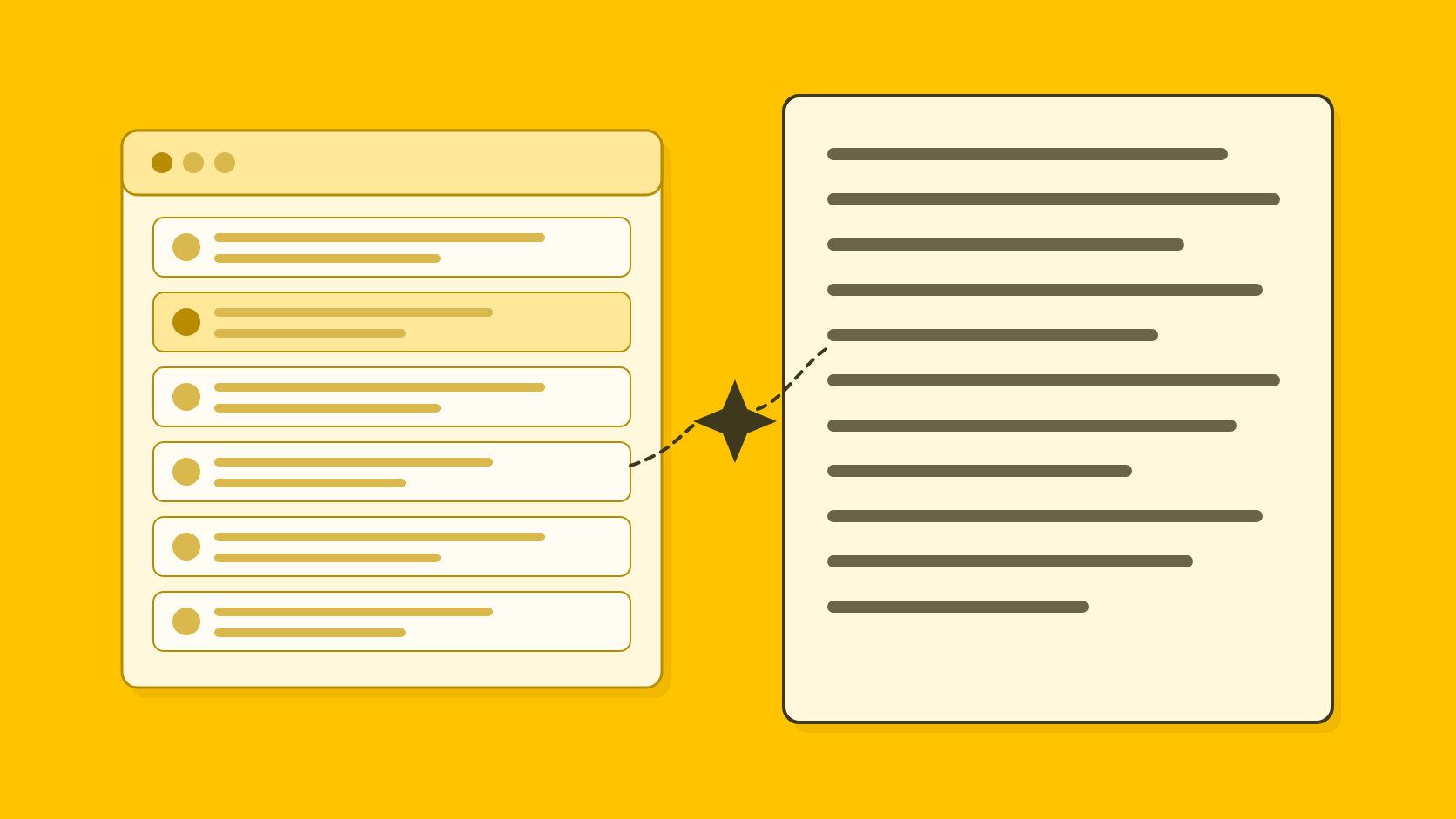
Gemini Notebook is the most source-grounded of the general assistants we reviewed. It uses direct quotes from your sources as citations: hovering shows the quoted text and selecting one jumps to the passage in context3. You can choose which sources an answer draws on, and Google says chat responses use only data from your sources3. Sources from Google Drive sync every few minutes8. A notebook on Google AI Pro holds up to 300 sources9, each up to 500,000 words or 200 MB for an uploaded file8.
Skills, which are to replace Gems, are built on the open SKILL.md standard10, can carry up to 100 MB of files and can be stacked together6, so a house template and a client's boilerplate can live in separate skills. Google's Workspace privacy hub says your content is not reviewed by people or used to train generative AI models outside your domain without permission11, and it lists SOC 1/2/3, ISO/IEC 27001 and FedRAMP High for Gemini11. The Gemini side panel in Gmail works in 29 languages12.
What do Gemini users say about it?
Gemini's users praise how easy it is. It is quick to set up, quick to answer, and already inside Gmail, Docs and Drive, so a Workspace team saves time without learning a new tool. Some value how it breaks down a long document.
The complaint that leads, by a distance, is answers that are confidently wrong: invented details stated as fact, and in research, sources that do not exist. Next come losing the thread of a long conversation, misreading instructions so the same prompt has to be repeated, and generic answers. Recent reviews add that it is pushed into every Google product and is hard to switch off, and that usage limits are unclear.
For PR, the first two matter most. A release often rests on a long brief and a pack of sources; an assistant that forgets the detail in the third document and then states a figure with confidence gives you a draft that reads well and has to be checked line by line. Read the footnote before you use the number, whichever tool drafted it.
How much does Gemini cost?
Gemini is free with a Google Account and $19.99 a month on Google AI Pro13. For businesses it sits inside Docs and Gmail from Workspace Business Standard, at $14 a user a month on an annual plan7. Consumer and Gemini Enterprise prices are as listed on Google's US Gemini subscriptions page on 4 November 202613. The public Workspace pricing page served Indian prices and different plan names from our location, so the Workspace figures come from Google's Business editions page for administrators, last updated 26 October 20267.
- Free
- Price$0 with a Google Account13
- What matters for PRGems, Canvas, Deep Research and Notebook13; 50 sources per notebook9
- Google AI Pro
- Price$19.99 a month13
- What matters for PRGemini in Gmail and Docs13; 300 sources per notebook9
- Google AI Ultra
- Price$99.99 a month for 5 times AI Pro's limits, $199.99 for 20 times13
- What matters for PRHighest limits; 500 or 600 sources per notebook9
- Workspace Business Starter
- Price$7 a user a month annual, $8.40 flexible7
- What matters for PRGemini app; the assistant in Gmail and Docs is listed from Business Standard7
- Workspace Business Standard
- Price$14 a user a month annual, $16.80 flexible7
- What matters for PRGemini in Gmail, Docs and Meet7
- Workspace Business Plus
- Price$22 a user a month annual, $26.40 flexible7
- What matters for PREverything in Standard plus security, compliance and meeting features7
Gemini and Google Workspace plans, as listed by Google on 4 November 2026
| Plan | Price | What matters for PR |
|---|---|---|
| Free | $0 with a Google Account13 | Gems, Canvas, Deep Research and Notebook13; 50 sources per notebook9 |
| Google AI Plus | $4.99 a month13 | Gemini in Gmail13; 100 sources per notebook9 |
| Google AI Pro | $19.99 a month13 | Gemini in Gmail and Docs13; 300 sources per notebook9 |
| Google AI Ultra | $99.99 a month for 5 times AI Pro's limits, $199.99 for 20 times13 | Highest limits; 500 or 600 sources per notebook9 |
| Workspace Business Starter | $7 a user a month annual, $8.40 flexible7 | Gemini app; the assistant in Gmail and Docs is listed from Business Standard7 |
| Workspace Business Standard | $14 a user a month annual, $16.80 flexible7 | Gemini in Gmail, Docs and Meet7 |
| Workspace Business Plus | $22 a user a month annual, $26.40 flexible7 | Everything in Standard plus security, compliance and meeting features7 |
| Gemini Enterprise Business | From $21 a seat a month13 | Up to 300 seats; Gemini Notebook for enterprise and a no-code Workflow Builder for agents13 |
| Gemini Enterprise Standard and Plus | From $30 a seat a month13 | Unlimited seats; customer-managed encryption keys13 |
The consumer plans can be cancelled at any time, with no refunds for partial billing periods except where the law requires13. Notebook limits are marked subject to change9. Gemini Enterprise Business lists connections to Microsoft 365, Google Workspace, HubSpot and Jira, but the subscriptions page does not say whether Gemini Enterprise bills monthly or annually13.
Can Gemini fact-check a press release?
Not the finished draft. Notebook's citations show where an answer came from3, and Docs lets you review the sources a draft used4. None of the pages we read describes checking each claim in a release you have drafted against its source, or flagging the ones that go further than the evidence3414. For short sources, Notebook references the entire document without citing individual text8. Google's own help page warns that even when Gemini shows sources it can get things wrong: it may miss a source it used, cite a document not directly used for that piece of information, or make up a source14. That is the error a release most needs to avoid.
That gap matters at sign-off. In Muck Rack's State of AI in PR 2026, 89% of PR professionals want clear human approval before AI output is published or sent15. Gemini's suggestions in Docs can be accepted or rejected one at a time5, but nothing we read records who approved which version of a quote. Our checklist for fact-checking a press release covers what to check by hand.
Where else does Gemini fall short for PR work?
Beyond checking, Gemini's gaps for PR start with the move from Gems to skills and carry on into drafting, where Google documents no PR formats.
Google gives different Gems dates for personal and business accounts
Many teams built a Gem per client or per format, and Google is replacing Gems with skills, but its pages give different pictures of the timing. The Gemini help article on the change says Gems in personal accounts of users 18 and over move to skills and become read-only on 17 November 2026 and are removed on 17 December 2026, with Workspace business, enterprise and nonprofit accounts following in March 20276. The Workspace Updates post says business and enterprise accounts can no longer create, edit or use Gems no sooner than 1 March 202710. The subscriptions page still lists Gems as a Free plan feature13. Skills, meanwhile, cannot yet be shared the way Gems can6, do not sync between the Gemini app and Workspace apps, and had their Workspace launch marked delayed on 13 October 202610.
No release, quote or Q&A formats
We found no press release, statement, quote or journalist Q&A format in the Docs writing help45, the skills pages616 or the subscriptions page13. Google's own examples for drafting in Docs are proposals, project plans and blog posts4. A team can write its house template into a skill, and then the structure and boilerplate of every release depend on whoever wrote that skill.
Writing style comes from one document or one skill
In Docs, Gemini can take the tone of voice, sentence structure and vocabulary of a Drive document as a style reference, and it summarizes the style it applies4. The feature needs an eligible Workspace or Google AI plan, is available on Google AI Pro and Ultra, and is also offered through Workspace Experiments, a trusted-tester program for personal accounts4. A skill can carry a brand's tone too: Google's example is a Client Communication skill that matches your brand's tone and communication guidelines16. Both suit someone setting a style for the task in hand, and fit less well an account lead who has to keep four clients and their spokespeople distinct. We found no voice profiles that keep a company and its spokespeople apart on the Docs, skills or subscriptions pages461613.
Notebook sits outside your Workspace controls
Google's privacy hub says of Notebook: "Your organization's file sharing and data region settings do not apply"11. The same page says Notebook does not yet support ISO, SOC or FedRAMP compliance and is not covered by the HIPAA BAA11. A Chat View link hides sources and generated material from the screen, but Google notes viewers may still be able to reach them17, which is worth knowing before an agency shares a client notebook outside its own team.
How does QuoteIt handle the same release?
QuoteIt starts where Notebook stops: with the finished draft. It drafts from the documents you upload, compares every claim with the passage behind it, and records who approved which version. Wording that gives a spokesperson a belief or a feeling is marked as proposed until they approve it, and facts inside that opinion are still checked.
Formats
Shaped for releases, quotes and journalist questions
QuoteIt drafts press releases, spokesperson quotes, authored articles, answers to journalists' questions and website announcements, each from the reports, fact sheets, earlier releases and interview notes you upload for that client.
Draft audit
The finished draft is what gets checked
Every claim in a QuoteIt draft is extracted and compared with the passage it relies on, whether or not anyone asked about it. Claims the sources do not fully support are flagged for a person: one site written as the whole company, a target written as done, a subsidiary given its parent's figures. Facts that appear only in the brief are not used silently; you are asked whether to add them to knowledge.
Voices
Client and spokesperson voices kept apart
QuoteIt keeps a voice for each organization and for each named spokesperson, and a spokesperson's draft combines their voice with the organization's voice and facts. In an agency, each client's voices and facts stay inside that client.
Approval
Attributed words wait for the right person
Wording that gives a named person or organization a belief, feeling or emphasis is marked as proposed, visible to every reviewer, and needs approval from that person or someone authorized for them. Internal review, client review through a link and release are recorded separately, with who decided, on which version and when.
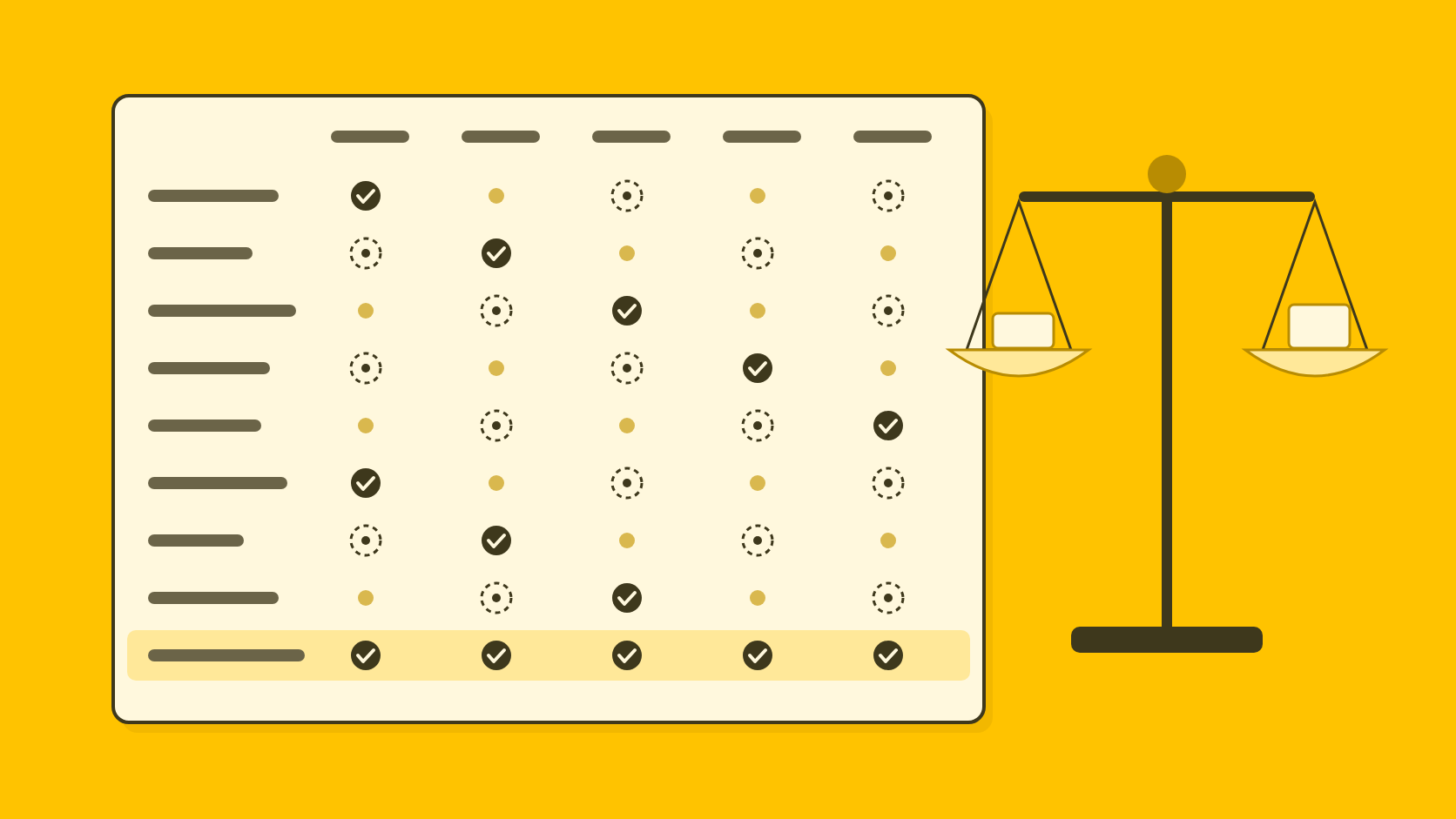
Gemini or QuoteIt: how do they compare for PR work?
- How to start
- GeminiSelf-serve, free plan
- QuoteItPilot sign-up
- Source citations
- GeminiPassage citations in Notebook answers3
- QuoteItEvery fact keeps its passage, opened in the original page
- Check of a finished draft
- GeminiNot documented
- QuoteItEvery claim compared with its passage
- PR formats
- GeminiNone documented
- QuoteItReleases, quotes, articles, journalist answers, announcements
- Voice
- GeminiWriting style from a Drive doc4 or a skill16
- QuoteItOne voice per organization and per spokesperson
- Approval
- GeminiSuggestions to accept or reject in Docs5; no sign-off record documented
- QuoteItInternal, client and release decisions per version
Gemini and QuoteIt for PR writing, checked on 4 November 2026
| Question | Gemini | QuoteIt |
|---|---|---|
| Price | Free to $199.99 a month13; Workspace from $7 a user7 | Not yet published |
| How to start | Self-serve, free plan | Pilot sign-up |
| Where it works | Gmail, Docs, Meet and the Gemini app7 | Its own workspace; no integrations |
| Source citations | Passage citations in Notebook answers3 | Every fact keeps its passage, opened in the original page |
| Check of a finished draft | Not documented | Every claim compared with its passage |
| PR formats | None documented | Releases, quotes, articles, journalist answers, announcements |
| Voice | Writing style from a Drive doc4 or a skill16 | One voice per organization and per spokesperson |
| Approval | Suggestions to accept or reject in Docs5; no sign-off record documented | Internal, client and release decisions per version |
When should you stay with Gemini?
If your agency runs on Google Workspace, Gemini's place inside Docs, Gmail and Meet is something QuoteIt does not offer, since QuoteIt has no integrations. Gemini Notebook also does research QuoteIt is not built for: up to 300 sources per notebook on Google AI Pro9, Audio Overviews for a quick briefing, with more of them on paid plans13, and cited answers to a journalist's likely questions. QuoteIt has no media lists, distribution or monitoring either.
A workable split is to research in Notebook and to draft and check releases and quotes in QuoteIt, where the record of who approved what sits with the draft.
If you are weighing general assistants, our ChatGPT comparison and Claude comparison cover the same ground, and AI tools for PR professionals, compared sets every option side by side.
How can you compare them on your own release?
Use one client's real sources in both tools, so the only difference is the tool. The one-hour trial in our comparison of AI tools for PR works the same way for any tool.
Build a notebook for one client
Add the sources behind a recent release: the report extract, the fact sheet and any interview notes. Ask the questions a journalist would, and note where the citations point to a passage and where they point to a whole short document.
Draft in Docs from the same files
Add the same files as sources in a new Doc and, if your plan allows, choose where Gemini may search. Ask for the release and a CEO quote.
Check the draft line by line
List every factual statement and find each one in the sources, noting whose figure it is and which period it covers. Mark any quote wording the spokesperson has not approved.
Repeat with QuoteIt
Then give QuoteIt the same files and brief through the Pilot, and compare the claims it flags with your list.
Is Gemini good for writing press releases?
Gemini drafts quickly inside Docs and can use your Drive files as sources, which makes it a convenient first drafter for a Workspace team. Google documents no press release or quote format and no check of a finished draft against its sources. QuoteIt drafts the release from your documents, checks each claim against its passage and records who approved the quote.
When will Gemini Gems stop working?
Google's pages differ. The Gemini help article says Gems in personal accounts of users 18 and over become read-only on 17 November 2026 and are removed on 17 December 2026, with Workspace business, enterprise and nonprofit accounts following in March 2027. The Workspace Updates post says business and enterprise accounts lose Gems no sooner than 1 March 2027, and the subscriptions page still lists Gems. Confirm the date for your own account with Google.
Does Gemini train on my Workspace files?
Google's Workspace privacy hub says your content is not reviewed by people or used to train generative AI models outside your domain without permission. With a personal account and Keep Activity on, Google uses your Gemini app activity to improve its services, including training generative AI models, with the help of human reviewers.
Can Gemini Notebook cite the documents I upload?
Yes. Notebook uses direct quotes from your sources as citations; hovering shows the text and selecting it jumps to the passage. For short sources it references the whole document instead.
How many sources can one notebook hold?
50 on a free account, 100 on Google AI Plus, 300 on Google AI Pro or a qualifying Workspace plan, and 500 or 600 on the Ultra plans, with each source up to 500,000 words or 200 MB. Google marks these limits as subject to change.
How we researched this
Every fact about another product was read on that vendor's own pages on 4 November 2026, user reports and surveys read 7 November 2026. Each page cited in the text is listed under Sources.
What we could not confirm, and so left out:
- What Gemini Notebook's product page says about chat history; it did not render for automated reading, so we relied on the help page, which says history is kept and private to you.
- How Gemini Enterprise is billed; the subscriptions page lists its connectors but not its billing terms.
- Whether US Workspace customers see the new plan names the pricing page showed us from India.
- Whether Notebook reports export to Word, PDF, Excel or PowerPoint; only third-party sites say so.
- Whether a double-check-with-Search feature still exists in the Gemini app.
- Whether Google offers a premade skill that learns your writing style across Workspace; no page we read describes one.
QuoteIt makes a competing product, and this post was written by its founder. AI tools helped with research and drafting, and every fact about Gemini was checked against the page it links to. If something here is out of date, tell us at hello@quoteit.me and we will correct it.
Sources
Numbers in the text point here. Each link opens the original page.
- 1Cision's 2025 State of the Media Report Reveals a Tipping Point for Trust, Technology, and PR-Journalist PartnershipsCision, 2025-05-07
- 2NotebookLM is now Gemini NotebookGoogle, July 16, 2026
- 3Use chat in Gemini Notebook - Gemini Notebook HelpGoogle
- 4Create personalized documents with Gemini in Google Docs - Google Docs Editors HelpGoogle
- 5Write & edit with Gemini in Docs - Google Docs Editors HelpGoogle
- 6About the transition from Gems to skills - Gemini Apps HelpGoogle
- 7Business editions | Getting started | Google Workspace HelpGoogle, October 26, 2026
- 8Add or discover new sources for your notebook - Computer - Gemini Notebook HelpGoogle
- 9Learn about Gemini Notebook’s plans - Gemini Notebook HelpGoogle
- 10Introducing skills in the Gemini app and Workspace, plus what’s next for GemsGoogle, September 30, 2026
- 11Generative AI in Google Workspace Privacy Hub | Google Workspace HelpGoogle, October 6, 2026
- 12Supported languages for Google Workspace with Gemini - Google Docs Editors HelpGoogle
- 13Google AI Pro & UltraGoogle
- 14Learn how to use sources with Google Workspace with Gemini - Google Docs Editors HelpGoogle
- 15State of AI in PR 2026Muck Rack, 2026-01
- 16Learn how skills work in Google Workspace & Google Workspace Studio - Workspace Studio HelpGoogle
- 17Create a notebook in Gemini Notebook - Gemini Notebook HelpGoogle
Written by
Shubham Kukrety, Founder and CEO, QuoteIt
Shubham Kukrety co-founded QuoteIt to fix the part of PR writing that ends in a long mail trail: facts that drift between the source document and the published statement. QuoteIt drafts press releases, spokesperson quotes, bylined articles and answers to journalists from a team's own documents, in each spokesperson's own voice, and shows every claim beside the passage it came from before anyone signs off.
How these posts are researchedRun a release you have already published through QuoteIt. Upload the documents behind it, and every claim in the new draft sits beside the passage it came from, with anything unsupported flagged before a client sees it.
Join the Pilot