Short answer
ChatGPT is the better choice when PR writing is one job among many: research, angles, decks and documents in one assistant. For press releases and spokesperson quotes, QuoteIt fits better: it drafts from your own documents, checks each claim against the passage it came from, and sends opinions given to a spokesperson to that person for approval.
TL;DR
- →Most PR people use AI and nearly all of them edit what it writes; with ChatGPT, users' most common complaint is confident, wrong answers.
- →OpenAI's own guide tells you to verify important numbers, names, dates, quotes and claims before you use or share a result.
- →OpenAI documents citations when ChatGPT searches the web, but we found no documentation of a citation from a drafted sentence to a passage of an uploaded project file.
- →Custom GPTs are scheduled to retire on 11 December 2026 and move to plugins: instructions become a skill, but custom actions and the chosen model do not carry over, and bulk migration does not copy sharing settings.
- →Keep ChatGPT for research and angles; draft and clear the release in QuoteIt, where each claim sits beside its source passage and the spokesperson approves their quote.
The draft took four minutes. Checking it took the afternoon: every figure traced back to the report, a date that was a year off, and a quote that gave the chief executive an opinion they had never voiced. Most PR teams using ChatGPT know that trade. In Muck Rack's State of AI in PR 2026, 76% of PR professionals use generative AI and 98% always or often edit what it writes1.
OpenAI does not hide it. Its guide to using ChatGPT says a polished response can still be wrong, and asks you to verify important numbers, names, dates, quotes and claims yourself2. Journalists are watching for exactly that: 72% told Cision in 2025 that they worry about factual errors in AI-generated PR content3, so the check of every number, name and quote still lands on you.
Our verdict: ChatGPT is a fine assistant for research, angles and rewrites, and the right tool when PR writing is one job among many. For the release and the quote, where a wrong figure means a correction, use a tool that drafts from your documents and shows the source behind each claim. QuoteIt does that, and the two sit side by side well.
What does ChatGPT do well for PR work?
ChatGPT gives a PR writer one place for each body of work. A project keeps related chats, files, instructions and sources together, and every chat in it can use the same uploaded files, project instructions and connected sources4. A project per client gives each one its own brief, house style and tone without retyping them. A project holds up to 5 files on Free, 25 on Go and Plus, and 40 on Pro, Business, Enterprise and Edu, and 10 files can be uploaded at a time5. Plugins can connect ChatGPT to tools such as Google Drive, SharePoint, Salesforce or Gong2.
It also produces the files PR work ends in. ChatGPT can create, preview and refine documents, presentations, spreadsheets and PDF files6. Collaborators with edit access can work on the same slide deck in ChatGPT Space at the same time and discuss changes in shared comments, and on the web a deck exports to PowerPoint, PDF or Google Slides7.
On data, the business plans start from reasonable defaults. OpenAI's pricing page lists no training on your business data by default for Business, along with SAML SSO and MFA, and adds data retention and data residency controls for Enterprise and Edu8.
What do ChatGPT users say about it?
ChatGPT's users praise its speed and range. It is quick to learn, fast to answer and useful for a dozen kinds of routine work, from a first draft to a summary of a long document. Professionals treat it as a strong first draft, not a finished one.
The biggest complaint, by a wide margin, is wrong answers given with confidence. In the largest public set of reviews we read, about one review in five flags inaccurate answers. Next come ignoring instructions, generic and repetitive copy, a sense that quality drifts between versions, and lost chats or exports. One user reports an email draft that added a business detail they had never asked for, and it went out before they noticed. For PR, that is the failure that matters: an unrequested fact in client copy.
PR practitioners in forums describe it the same way: a speed-up and a proofreader, not an author. Confidentiality comes up often, which matches the survey data: 77% of PR professionals avoid entering financial data into AI tools, and 69% avoid personal data and proprietary material1.
How much does ChatGPT cost?
ChatGPT runs from free to $500 a month for individuals, per OpenAI's pricing documentation, and Business seats start at $20 a user a month billed annually8, with a Premium seat at $100 a user a month billed annually or $125 monthly9. Prices are in US dollars as listed in OpenAI's pricing documentation on 4 November 2026.
- Free
- Price$0
- Data and admin, per the pricing pageNot in the page's feature comparison
- Go
- Price$8 a month
- Data and admin, per the pricing pageNot in the page's feature comparison
- Plus
- Price$20 a month
- Data and admin, per the pricing pageNo training on your data by default: marked unavailable
- Pro
- PriceFrom $100 a month ($100, $200 and $500 plans)
- Data and admin, per the pricing pageNo training on your data by default: marked unavailable
- Business
- PriceStandard seat $20 a user a month billed annually, $25 monthly; Premium seat $100 or $1259; teams of 2 to 200 employees10
- Data and admin, per the pricing pageNo training on business data by default; SAML SSO and MFA8
- Enterprise and Edu
- PriceContact sales
- Data and admin, per the pricing pageData retention and residency controls; audit logs through the Compliance API8
ChatGPT plans, as listed by OpenAI on 4 November 2026
| Plan | Price | Data and admin, per the pricing page |
|---|---|---|
| Free | $0 | Not in the page's feature comparison |
| Go | $8 a month | Not in the page's feature comparison |
| Plus | $20 a month | No training on your data by default: marked unavailable |
| Pro | From $100 a month ($100, $200 and $500 plans) | No training on your data by default: marked unavailable |
| Business | Standard seat $20 a user a month billed annually, $25 monthly; Premium seat $100 or $1259; teams of 2 to 200 employees10 | No training on business data by default; SAML SSO and MFA8 |
| Enterprise and Edu | Contact sales | Data retention and residency controls; audit logs through the Compliance API8 |
For an agency, the billing terms on Business matter as much as the seat price. Business has two seat types, Standard and Premium, and one workspace can mix them910; Premium carries more ChatGPT Work and Codex usage than Standard9. The plan is for teams of 2 to 200 employees10. Check payment methods and refunds in OpenAI's Business billing help before you rebill seats to clients.
One more point catches people out. OpenAI's pricing page marks no training on your data by default as available on Business, Enterprise and the API, and not on Plus or Pro8, so a freelancer putting a client's board papers into a Plus account should check its data controls first.
Can ChatGPT fact-check a press release?
Not against your documents in a way you can show a client. OpenAI's own guide warns that "A polished response can still be incomplete or wrong"2. It asks you to verify important numbers, names, dates, quotes and claims, and to confirm that ChatGPT used the correct and most current source material2. It suggests asking ChatGPT to cite the source for each major claim and to check the result against the original files2, which leaves the check to another prompt. Search results and citations appear in the chat when ChatGPT uses web search11. We looked in OpenAI's pages on projects, working with files, web search and using ChatGPT and found no documentation of a citation from a drafted sentence to the page or passage of an uploaded project file46112.
That matters more for pitches than people expect: 53% of journalists in Cision's 2026 State of the Media survey oppose AI-generated pitches, citing accuracy and personalization12. Before a quote goes out, test it on the difficult cases a journalist will raise.
Where else does ChatGPT fall short for PR work?
The custom GPT you built for each client is moving to plugins
OpenAI is transitioning custom GPTs to plugins1314. Its migration guide is written for ChatGPT Enterprise admins and the people who created GPTs, and it notes that public sharing and timelines for other plans may differ13. OpenAI's retirement FAQ sets the date at 11 December 2026, and at 11 February 2027 for FedRAMP workspaces and Enterprise workspaces with an approved deferral15. Migration turns a GPT's instructions into a skill and brings over its knowledge files and connected apps, but custom actions have to be rebuilt and the selected model does not carry over13. Only published GPTs can be migrated, and the new plugin starts private, so an agency that shared a client GPT with its account team has to share it again13. OpenAI also warns that a migrated plugin may respond differently from the original GPT, which means retesting every house-style prompt13.
On Business, a client project can draw on other clients' chats
On Business, a project with default memory can reference conversations outside it, including other projects, unless that other project is set to project-only memory, and its own chats can be referenced from outside5. A shared project is set to project-only memory automatically5. An agency that keeps one private project per client should set each one to project-only memory before adding any client material.
Words for a named spokesperson get no special handling
OpenAI describes skills as instructions for how to do a task, such as writing in your team's style13. The projects, memory, migration and plugin pages we read describe nothing that separates an organization's voice from a named person's, or that marks a sentence as wording a person still has to approve4161317.
There is no sign-off record
Slide decks in ChatGPT Space have shared comments for discussing changes7. The approvals described in OpenAI's guide to using ChatGPT are for the agent's own actions: ChatGPT pauses when it needs information or approval, and the guide asks you to review consequential actions before approving them2. We found no approval stages and no record of who approved which version in OpenAI's pages on projects, Space, plugins and using ChatGPT47172.
How does QuoteIt handle the same release?
QuoteIt is narrower than ChatGPT and built around the checks a release needs before it goes out. It drafts from the documents you upload, compares every claim with the passage behind it, keeps each client's material apart, and records who approved which version. Wording that gives a spokesperson a belief or a feeling is marked as proposed until they approve it, and facts inside that opinion are still checked.
Client walls
Each client's facts stay with that client
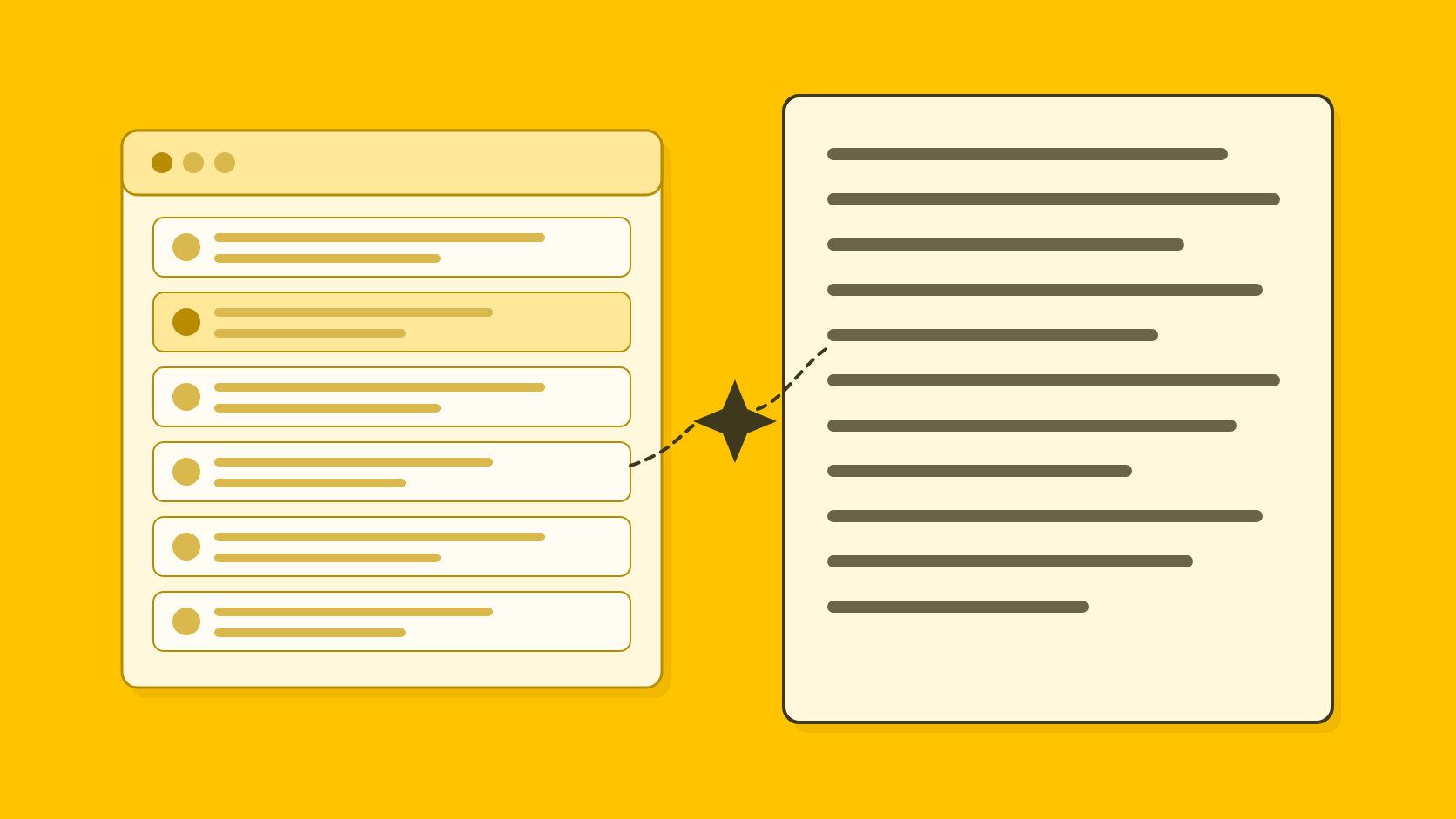
In an agency workspace, each client's voice and facts are kept inside that client. There is no per-project memory setting to remember, and one client's material does not become context for another client's draft.
Voices
A company voice and a voice for each spokesperson
QuoteIt holds one voice per organization and one per named spokesperson. A spokesperson's draft combines their voice with the organization's voice and facts.
Claim check
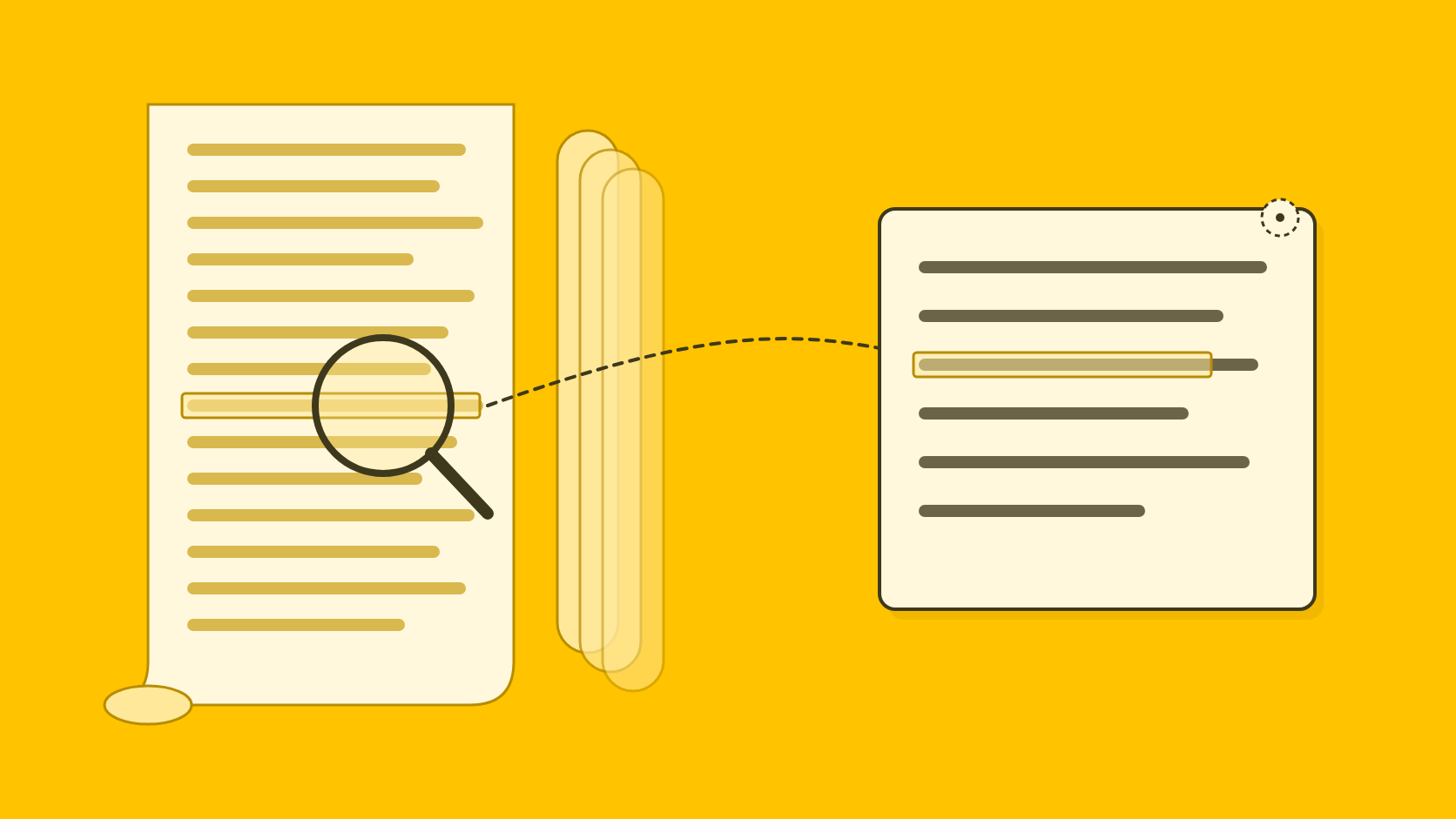
Every claim compared with the passage behind it
Drafts come from the documents you upload, turned into atomic facts that each state whose result it is, the value, the scope and the period. Every claim in the draft is then compared with its passage, and anything the sources do not fully support, such as a target written as achieved or one site written as the whole company, is flagged with the passage one click away.
Sign-off
Approvals recorded against each version
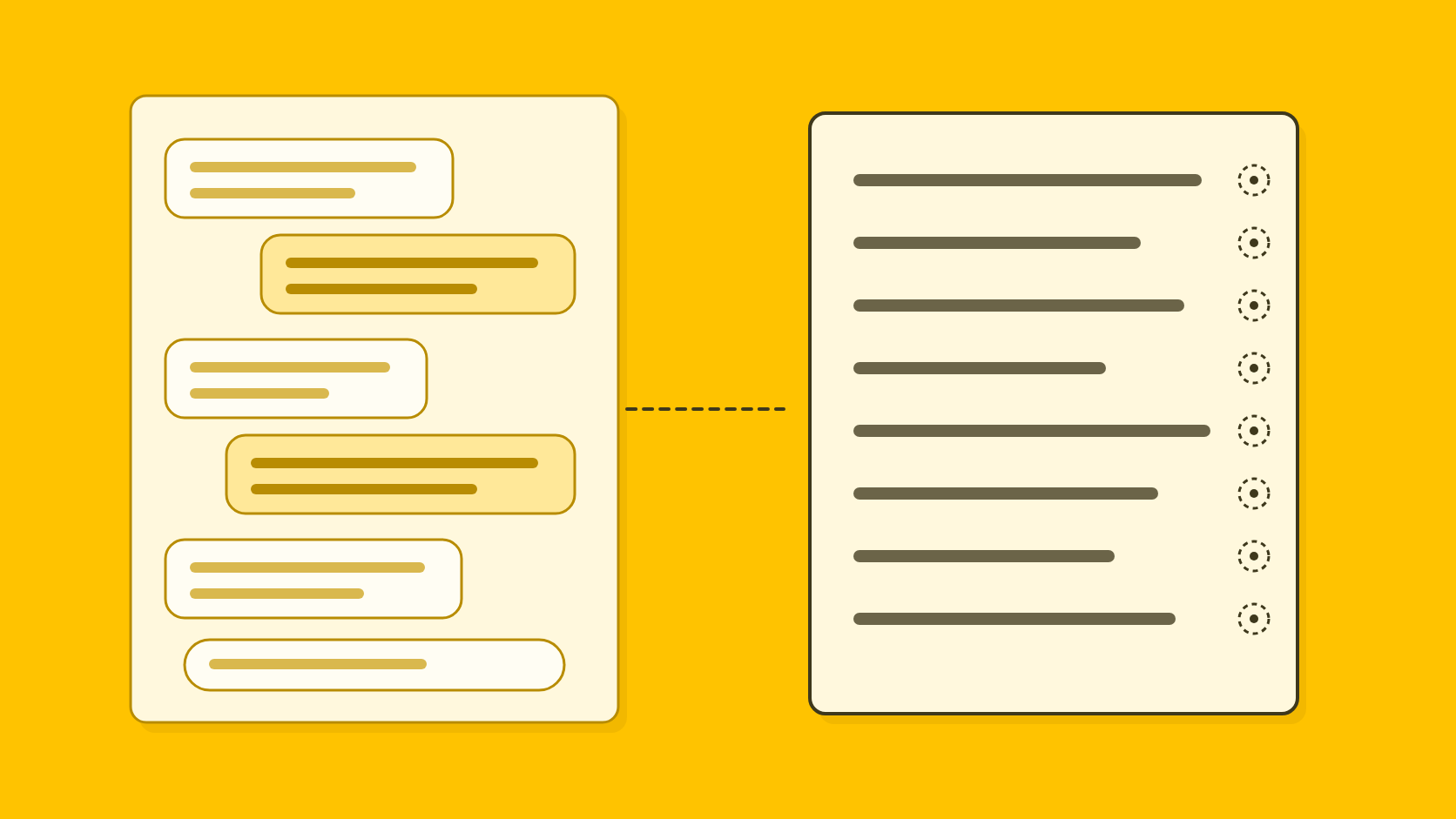
Internal review, client review through a review link, and release are separate decisions, each recorded with who made it, on which version and when. Wording that gives a named person a view or a reaction is marked as proposed and needs that person's approval, or approval from someone authorized for them, before release.
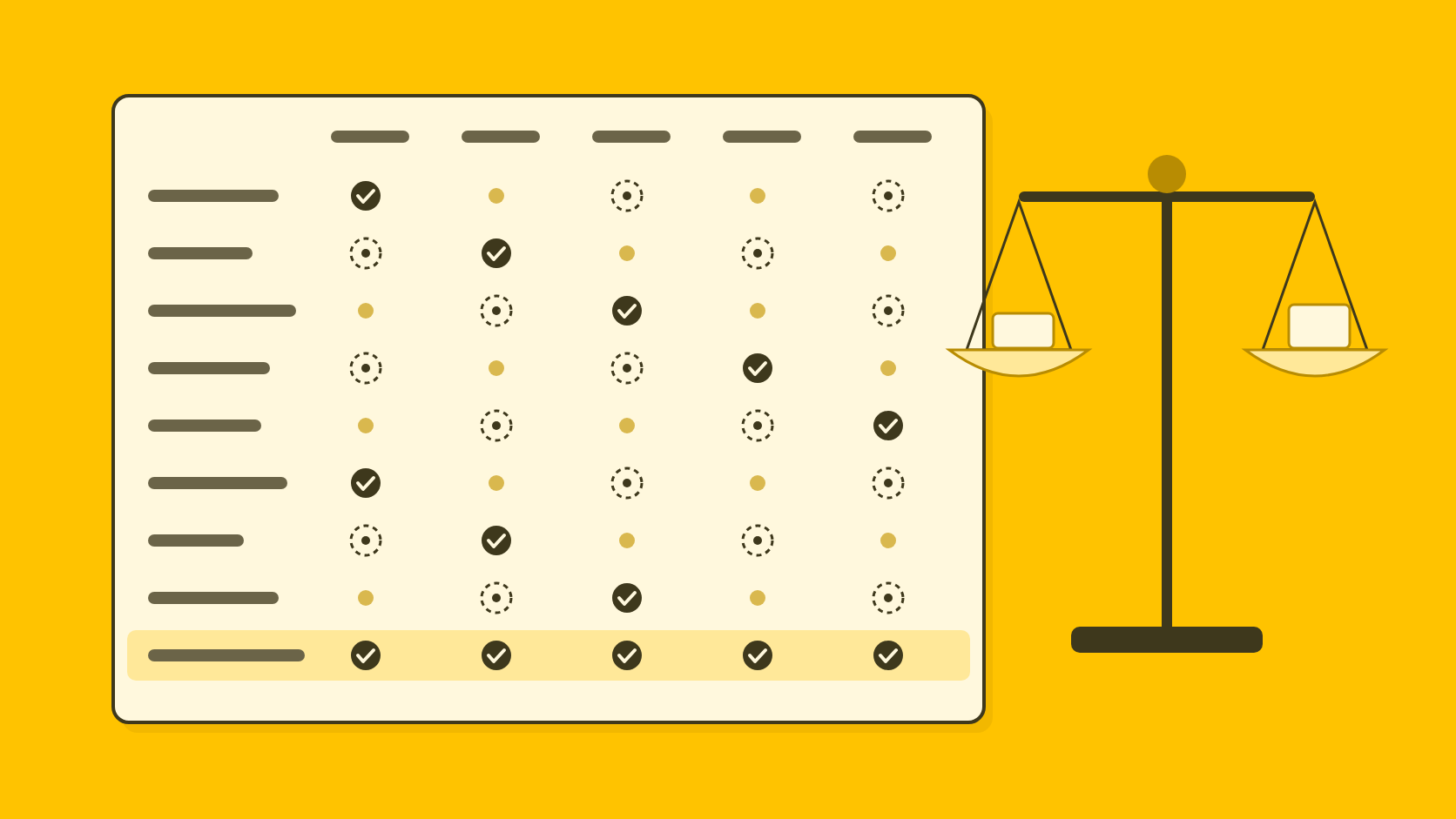
ChatGPT or QuoteIt: how do they compare for PR work?
- Price
- ChatGPTFree to $500 a month; Business from $20 a seat
- QuoteItNot yet published
- How to start
- ChatGPTSelf-serve, free plan
- QuoteItPilot sign-up
- PR formats
- ChatGPTGeneral drafting, files and research
- QuoteItReleases, quotes, articles, journalist answers, announcements
- Source files
- ChatGPTUploaded files and connected sources per project
- QuoteItYour documents, split into atomic facts
- Claim check against sources
- ChatGPTLeft to the user
- QuoteItEvery claim compared with its passage
- Client separation
- ChatGPTPer project; memory set in account and workspace settings16
- QuoteItEach client's voice and facts kept inside that client
- Spokesperson voice
- ChatGPTProject instructions or skills
- QuoteItOne voice per organization and per spokesperson
- Approval record
- ChatGPTNone found in the pages we read
- QuoteItInternal, client and release decisions per version
- Breadth
- ChatGPTResearch, documents, slides, sites and plugins2
- QuoteItPR writing only; no integrations
ChatGPT and QuoteIt for PR writing, checked on 4 November 2026
| Question | ChatGPT | QuoteIt |
|---|---|---|
| Price | Free to $500 a month; Business from $20 a seat | Not yet published |
| How to start | Self-serve, free plan | Pilot sign-up |
| PR formats | General drafting, files and research | Releases, quotes, articles, journalist answers, announcements |
| Source files | Uploaded files and connected sources per project | Your documents, split into atomic facts |
| Claim check against sources | Left to the user | Every claim compared with its passage |
| Client separation | Per project; memory set in account and workspace settings16 | Each client's voice and facts kept inside that client |
| Spokesperson voice | Project instructions or skills | One voice per organization and per spokesperson |
| Approval record | None found in the pages we read | Internal, client and release decisions per version |
| Breadth | Research, documents, slides, sites and plugins2 | PR writing only; no integrations |
When should you stay with ChatGPT?
Stay with ChatGPT if PR writing is one job among many. It searches the web with citations11, creates documents, presentations, spreadsheets and PDF files6, and its plugins connect to tools such as Google Drive, SharePoint, Salesforce and Gong2. QuoteIt does none of that, and it has no media lists, distribution, monitoring or analytics. A large organization that needs data kept in a particular region also has an option in ChatGPT Enterprise, which lists data residency controls8.
The two sit side by side well. Keep ChatGPT for brainstorming angles and reading background material, and draft the release, the quote and the record of who approved them in QuoteIt. If you are choosing between general assistants, our Claude comparison and Gemini comparison cover the same ground, and AI tools for PR professionals, compared sets every option side by side.
How can you compare them on your own release?
The fairest test is a release you have already published, run through both tools with the same sources. Our comparison of AI tools for PR sets out a one-hour version that works for any tool.
Set up one client project properly
Create a ChatGPT project for one client and check its memory settings before adding anything. Add the sources behind a release you have already published to the project's Sources section4.
Ask for the release and a quote
Use the brief you actually had. Ask for the release and a spokesperson quote, then ask ChatGPT to cite the source of each claim and see what it points to.
Check it the way a journalist would
List every figure, name, date and claim, and find each one in your files. Note whose result each figure is in the source and which period it covers, and keep a count of what did not hold.
If you rely on a custom GPT, migrate it now
Run the same brief through the migrated plugin and compare the two drafts before the original retires. Then upload the same files to QuoteIt and compare its flags with your list.
Is ChatGPT good for writing press releases?
It is quick at a first draft and good at angles, headlines and rewrites. It does not show which passage of your files a figure came from, and OpenAI's own guide tells you to verify numbers, names, dates and quotes yourself. For releases with figures and executive quotes, QuoteIt drafts from your documents and checks each claim against its passage.
Does ChatGPT train on my client documents?
It depends on the plan. OpenAI's pricing page lists no training on your business data by default for Business, Enterprise and Edu, but not for Plus or Pro, so check the data controls on a personal plan before you upload client material.
What happens to my custom GPTs?
OpenAI is moving them to plugins, where a GPT's instructions become a skill and its knowledge files come across. Custom actions and the selected model do not carry over, bulk migration does not copy sharing settings, and the plugin starts private.
Can ChatGPT show which part of my file a sentence came from?
OpenAI documents citations when ChatGPT uses web search. We found no documentation of a citation from a drafted sentence to a passage of an uploaded project file.
Where do client files go in a ChatGPT project?
In the project's Sources section, which holds uploaded files and connected context that every chat in the project can use. Check OpenAI's help center for the current file limits on your plan.
How we researched this
Every fact about another product was read on that vendor's own pages on 4 November 2026, user reports and surveys read 7 November 2026. Each page cited in the text is listed under Sources. We also read:
What we could not confirm, and so left out:
- Whether ChatGPT can show which passage of an uploaded project file a drafted sentence came from.
- How canvas works today: we found no current OpenAI page on it that we could read.
- US dollar prices for the individual plans on the main ChatGPT pricing page, which showed us prices in Indian rupees; those figures come from OpenAI's pricing documentation.
- Business refund and payment terms, and the Word add-in, which we did not read about.
- Data residency regions and OpenAI's Terms of Use: the enterprise privacy page names a completed SOC 2 audit and retention controls on Enterprise and Edu, but we did not read the regions or the terms.
QuoteIt makes a competing product, and this post was written by its founder. AI tools helped with research and drafting, and every fact about ChatGPT was checked against the page it links to. If something here is out of date, tell us at hello@quoteit.me and we will correct it.
Sources
Numbers in the text point here. Each link opens the original page.
- 1State of AI in PR 2026Muck Rack, 2026-01
- 2Use ChatGPT | ChatGPT LearnOpenAI
- 3Cision's 2025 State of the Media Report Reveals a Tipping Point for Trust, Technology, and PR-Journalist PartnershipsCision, 2025-05-07
- 4Projects and chats | ChatGPT LearnOpenAI
- 5Projects in ChatGPTOpenAI Help Center
- 6Work with files | ChatGPT LearnOpenAI
- 7Get started with ChatGPT Space | ChatGPT LearnOpenAI
- 8Pricing | ChatGPT LearnOpenAI
- 9Managing billing and seats in ChatGPT BusinessOpenAI Help Center
- 10Plans and Pricing | ChatGPTOpenAI
- 11Web search | ChatGPT LearnOpenAI
- 12PR Emerges as the Primary Source for Journalists in High-Pressure NewsroomsCision, 2026-05-13
- 13Moving your custom GPT workflows to plugins | ChatGPT LearnOpenAI
- 14Build plugins | ChatGPT LearnOpenAI
- 15Custom GPT retirement and migration FAQOpenAI Help Center
- 16Memories | ChatGPT LearnOpenAI
- 17Plugins | ChatGPT LearnOpenAI
Written by
Shubham Kukrety, Founder and CEO, QuoteIt
Shubham Kukrety co-founded QuoteIt to fix the part of PR writing that ends in a long mail trail: facts that drift between the source document and the published statement. QuoteIt drafts press releases, spokesperson quotes, bylined articles and answers to journalists from a team's own documents, in each spokesperson's own voice, and shows every claim beside the passage it came from before anyone signs off.
How these posts are researchedRun a release you have already published through QuoteIt. Upload the documents behind it, and every claim in the new draft sits beside the passage it came from, with anything unsupported flagged before a client sees it.
Join the Pilot