Short answer
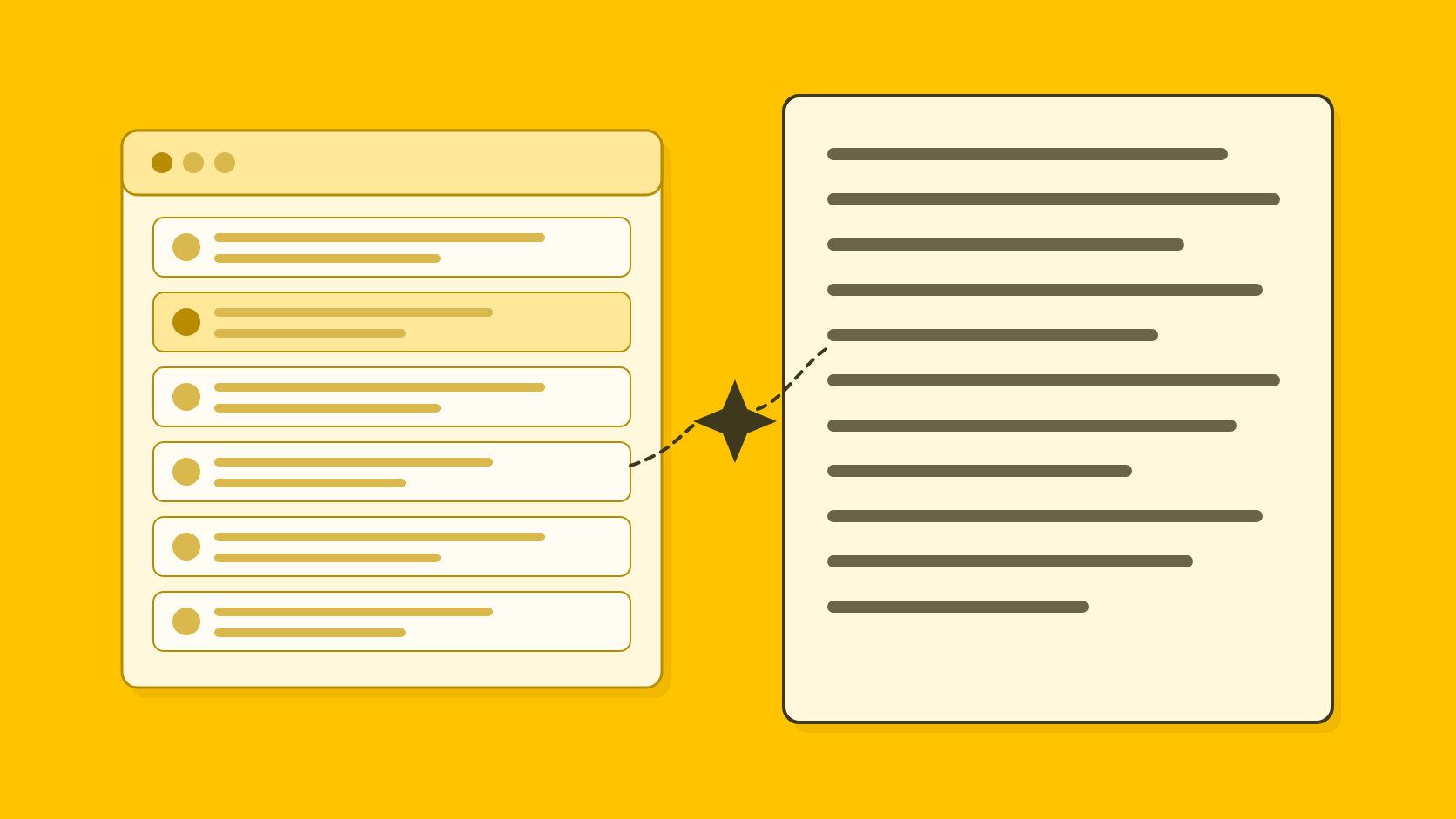
Claude is the better choice for research and polished first drafts across many kinds of writing. For press releases and spokesperson quotes, QuoteIt fits better: it drafts from your own documents, checks each claim against the passage it came from, and sends opinions given to a spokesperson to that person for approval before release.
TL;DR
- →Claude's users praise its writing and its handling of long documents; their most common complaints are usage limits on paid plans and support.
- →A chat upload can be a 1,000-page PDF, and a project's knowledge and instructions are used across every chat in that project.
- →PDFs over 100 pages are read for text only, project files other than PDFs are read as text, and passage-level citations are documented for Anthropic's developer API, not for project files in the Claude apps.
- →Team lacks custom data retention and audit logs, which start with Enterprise and its 20-seat minimum; we found no approval or sign-off record on the pages we read.
- →Keep Claude for research and first drafts; draft and clear the release in QuoteIt, where each claim sits beside its source passage and the spokesperson approves their quote.
Claude's draft reads like a senior writer wrote it, and that is the risk. A clumsy sentence invites a second look; a fluent one with the wrong period on a revenue figure sails through review. Nearly every PR team now edits what AI writes, 98% always or often in Muck Rack's State of AI in PR 20261, but editing for style is not the same as checking each figure against the report.
Anthropic is plain about where the checking sits. Its commercial terms say factual assertions in outputs should not be relied on without independently checking their accuracy2. Passage-level citations are documented for its developer API3, and the help articles on projects and file uploads do not describe them in the apps45. Journalists notice what slips through: 72% told Cision in 2025 that they worry about factual errors in AI-generated PR content6.
Our verdict: Claude is an excellent drafter and research partner, and worth keeping for that. For the release and the quote, where a wrong figure means a correction and a quote needs the speaker's sign-off, use a tool that drafts from your documents and shows the source beside each claim. QuoteIt does that, and the two work well side by side.
What does Claude do well for PR work?
Projects are Claude's most useful feature for client work. Anything uploaded to a project's knowledge is used across all the chats in that project, while context is not shared between those chats unless it is added to the project knowledge4. On paid plans, when project knowledge approaches the context window limit, Claude automatically switches to a retrieval mode to expand the project's capacity4. Each project has its own memory and does not use memory from other projects, and turning off account memory on a project's page keeps its memory fully separate4.
File handling is generous, and the help center is clear about its edges. PDFs of up to 100 pages are read for text and visuals, so a chart in a short results presentation is part of what Claude sees5. Supported documents include PDF, DOCX, CSV, TXT, HTML, ODT, RTF, EPUB and JSON, and XLSX spreadsheets work once code execution and file creation are on5.
For PR specifically, Anthropic's own Marketing plugin lists press releases among the content its draft command writes, and a separate brand-review command checks content against your brand voice and style guide7. Team and Enterprise plans include organization instructions8, and Claude Docs is for documents you write with Claude and your team at the same time, with Claude able to draft sections, ask questions and comment9. Under the commercial terms Anthropic may not train models on customer content2.
What do Claude users say about it?
Claude's users praise the writing first. People who use several assistants often rate its prose as the most natural, and they like how it handles long documents: summarizing a large report or working through a long brief without losing the thread. Ease of use and its connectors to other tools come up often.
The most common complaint is usage limits, including on paid plans: heavy users hit the cap in the middle of a task. Next is support, with users saying a person is hard to reach outside enterprise contracts, along with billing problems. Answers can run long, and some users say it completes only part of a multi-step request. A smaller group reports invented details, details dropped when long files were condensed, and trouble reading badly scanned PDFs with nested tables.
For PR, the last group is the one to plan for. A figure dropped from a condensed annual report or a table misread from a scan does not announce itself in the draft. Reading the footnote before you use the number is still your job.
How much does Claude cost?
Claude is free to start, $20 a month on Pro billed monthly ($17 a month billed annually), and $20 to $125 a seat on Team depending on the seat type and billing8. These are the plans as listed on Anthropic's pricing page on 4 November 2026, in US dollars.
- Pro
- Price$20 a month, or $17 a month billed annually
- What matters for PRProjects; no SSO or central administration8
- Ultra
- Price$200 a month, monthly only
- What matters for PRNo 5-hour limit for verified accounts; ten times Pro usage every week8
- Team, Standard seat
- Price$20 a seat a month billed annually, $25 monthly
- What matters for PR2 to 150 seats; no model training on your content by default8
- Team, Premium seat
- Price$100 a seat a month billed annually, $125 monthly
- What matters for PRFive times a Standard seat's usage; seat types can be mixed8
- Enterprise
- Price$20 a seat a month billed annually, plus usage at API rates
- What matters for PR20-seat minimum; custom data retention, audit logs and SCIM
- Education
- PriceNo price shown
- What matters for PRUniversity-wide plan for students, faculty and staff8
Claude plans, as listed on claude.com/pricing on 4 November 2026
| Plan | Price | What matters for PR |
|---|---|---|
| Free | $0 | Up to 5 projects; usage limited every 5 hours and every week8 |
| Pro | $20 a month, or $17 a month billed annually | Projects; no SSO or central administration8 |
| Max | $100 a month | Five times Pro usage and $100 a month in API credits8 |
| Ultra | $200 a month, monthly only | No 5-hour limit for verified accounts; ten times Pro usage every week8 |
| Team, Standard seat | $20 a seat a month billed annually, $25 monthly | 2 to 150 seats; no model training on your content by default8 |
| Team, Premium seat | $100 a seat a month billed annually, $125 monthly | Five times a Standard seat's usage; seat types can be mixed8 |
| Enterprise | $20 a seat a month billed annually, plus usage at API rates | 20-seat minimum; custom data retention, audit logs and SCIM |
| Education | No price shown | University-wide plan for students, faculty and staff8 |
Agencies feel the gap between Team and Enterprise. Team has no custom data retention controls, audit logs, SCIM, role-based access or Compliance API; those start with Enterprise and its 20-seat minimum8. Invoicing and net terms are available only on sales-assisted Enterprise8. On security, Anthropic's trust center lists SOC 2 Type 2, ISO 27001, ISO 42001, CSA STAR and NIST 800-171 for both Team and Enterprise, and HIPAA for Enterprise only10.
Can Claude fact-check a press release?
Not against your documents in a way you can show a client. Anthropic's developer platform has a Citations feature that returns the exact passages supporting each claim, with a page number range for PDFs3. The help articles on projects and file uploads do not say that answers in the Claude apps cite project files45. The accuracy article mentions reviewing Claude's cited sources only for web search results11. In the apps, tracing a sentence back to its page is still manual work.
Claude will check its own draft if you ask, and users say it does not unless asked. Either way the result is another answer from the same model, not a record of which passage supports which claim. Before the quote goes out, test it on the difficult cases a journalist will raise.
Where else does Claude fall short for PR work?
Long reports are read as text only
A PDF of 101 to 1,000 pages is read for its text alone, and other document types are read as text, so images embedded in a Word file are not seen5. A full annual report can run past 100 pages, and the figures a release leans on, such as an emissions chart or a segment table saved as an image, may never reach Claude. In projects, each file is limited to 30 MB, files are read by text extraction except for multimodal PDFs, and there is no file count, only the rule that the total content must fit within Claude's context window5.
Voice is spread across several settings
Tone can come from skills, user preferences or organization instructions8, from project instructions4, or from the brand voice and style guide set in the Marketing plugin's local settings7. None of the pages we read separates a company's voice from a named spokesperson's847.
Review happens in Docs, without a sign-off
Claude Docs supports shared editing and comments, and on Team and Enterprise plans links stay inside the organization unless an Owner or Primary Owner turns on external sharing9. A client who wants to read or edit a shared Doc needs a Claude account9. The artifacts page does not mention version history9, and we found no approval stages or record of who approved which version on the projects, artifacts, Marketing plugin or pricing pages4978.
Quotes need checking like any other fact
Anthropic's help center warns that Claude "can display quotes that may look authoritative" when they are not grounded in fact11, and its commercial terms say factual assertions should not be relied on without independently checking their accuracy2. Claude can remind a writer that a quote needs approval, but that reminder lives in the chat, and we found nothing in the product that records who approved the words or on which draft.
How does QuoteIt handle the same release?
Claude's draft can be good; what QuoteIt adds is the checking and the record around it. QuoteIt drafts from the documents you upload, compares every claim with the passage behind it, and records who approved which version. Wording that gives a spokesperson a belief or a feeling is marked as proposed until they approve it, and facts inside that opinion are still checked.
Fact record
Each fact knows its subject and its period
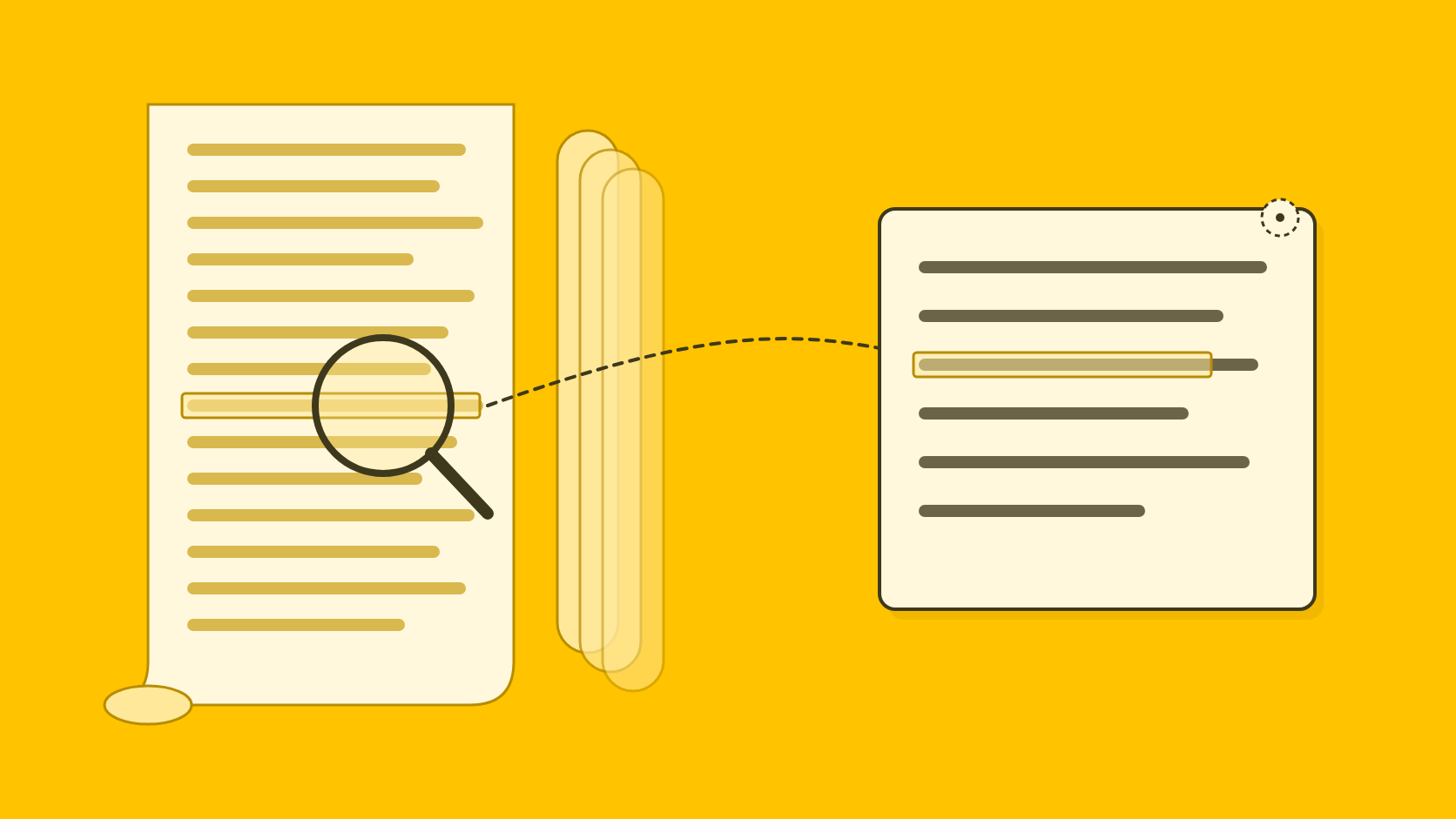
QuoteIt turns uploaded reports, fact sheets, board papers and interview notes into atomic facts. Each one states whose result it is, the value, the scope and the period, and keeps the passage it came from, which opens in the original page.
Claim check
Period mismatches are flagged with the passage beside them
Every claim in a draft is extracted and compared with the passage it relies on. A launch figure written as a current one is a wrong-period claim, the kind QuoteIt flags for a person alongside targets written as achievements and a parent's figure given to a subsidiary. Fixing a flagged sentence rechecks only what that change affects.
Attribution
The CEO approves the CEO's words
Wording that gives a named person a belief, reaction or emphasis is marked as proposed so every reviewer sees it, and it needs approval from that person or whoever is authorized for them before release. Facts inside the quote are still checked, and the approval covers that wording in that draft without becoming evidence the person said it before.
Decisions
Internal, client and release decisions on record
Internal review, client review through a review link, and release are separate decisions. Each records who made it, on which version and when, so a late edit cannot go out on the strength of an earlier approval.
Claude or QuoteIt: how do they compare for PR work?
- How to start
- ClaudeSelf-serve, free plan
- QuoteItPilot sign-up
- Long documents
- ClaudePDFs to 1,000 pages in chat; 30 MB per project file5
- QuoteItYour documents, split into atomic facts
- Passage citations
- ClaudeIn the developer API3; not documented in the apps
- QuoteItEvery fact keeps its passage, opened in the original page
- Claim check against sources
- ClaudeLeft to the user
- QuoteItEvery claim compared with its passage
- Voice
- ClaudeSkills, instructions8 or the Marketing plugin's brand settings7
- QuoteItOne voice per organization and per spokesperson
- Quote approval
- ClaudeNot documented
- QuoteItAttributed wording approved before release
- Approval record
- ClaudeComments in Docs9; no sign-off documented
- QuoteItInternal, client and release decisions per version
- Breadth
- ClaudeResearch, documents, slides, code, apps and plugins8
- QuoteItPR writing only; no integrations
Claude and QuoteIt for PR writing, checked on 4 November 2026
| Question | Claude | QuoteIt |
|---|---|---|
| Price | Free to $200 a month; Team from $20 a seat8 | Not yet published |
| How to start | Self-serve, free plan | Pilot sign-up |
| Long documents | PDFs to 1,000 pages in chat; 30 MB per project file5 | Your documents, split into atomic facts |
| Passage citations | In the developer API3; not documented in the apps | Every fact keeps its passage, opened in the original page |
| Claim check against sources | Left to the user | Every claim compared with its passage |
| Voice | Skills, instructions8 or the Marketing plugin's brand settings7 | One voice per organization and per spokesperson |
| Quote approval | Not documented | Attributed wording approved before release |
| Approval record | Comments in Docs9; no sign-off documented | Internal, client and release decisions per version |
| Breadth | Research, documents, slides, code, apps and plugins8 | PR writing only; no integrations |
When should you stay with Claude?
Stay with Claude if you check your own figures carefully and mainly want a better first draft. It is also far broader than QuoteIt, with research, Claude Code, dashboards (in beta) and Claude for Microsoft 365 on paid plans, and slides and docs on every plan8, and plugins such as Marketing that connect tools like Slack, Canva, Figma and HubSpot7. QuoteIt does none of that, and it has no media lists, distribution or monitoring.
Many teams could use both: Claude for research and thinking through an angle, QuoteIt for the release and the quotes that need a checked, approved record.
If you are choosing between general assistants, our ChatGPT comparison and Gemini comparison cover the same ground, and AI tools for PR professionals, compared sets every option side by side.
How can you compare them on your own release?
Try Claude on your own material, and measure the checking as well as the writing. The one-hour trial in our comparison of AI tools for PR works for any tool.
Pick a release with traps in it
Use a published release whose sources you still have, ideally one involving a subsidiary, a target and a quote, since that is where subject and period errors hide.
Run it three times in a Claude project
Put the sources in one project, keep the brief identical and run it three times. Drafts vary from run to run, so a single run tells you little.
Time the check, not the draft
List every factual statement in each draft and find it in the sources. Note how long that takes, what you found, and whether anything recorded who approved the quote.
Then use the same pack in QuoteIt
Then give QuoteIt the same files and brief through the Pilot, and compare the claims it flags with your own list.
Is Claude good for writing press releases?
Claude writes well and handles long reports, which makes it a strong first drafter. In the Claude apps it does not show which passage of your files a figure came from, and Anthropic's terms say not to rely on its factual assertions without checking them. QuoteIt drafts the release from your documents and checks each claim against its passage.
Does Claude train on the documents I upload?
On Team and Enterprise, the pricing page lists no model training on your content by default, and the commercial terms say Anthropic may not train models on customer content. On Free, Pro, Max and Ultra, the pricing page lists model training as opt-out, so check your privacy settings before you upload client material.
How big a file can Claude read?
In a chat, files can be up to 500 MB, 20 per chat, and PDFs up to 1,000 pages, with visuals read only in PDFs of 100 pages or fewer. Project files are limited to 30 MB each.
Can Claude show which passage supports each claim?
Through Anthropic's developer API, yes: its Citations feature returns the supporting passages, with page ranges for PDFs. The help center does not describe the same for project files in the Claude apps.
Does Claude have a press release template?
Anthropic's Marketing plugin, which installs in Claude Cowork, lists press releases among the content its draft command produces. We found no journalist Q&A or spokesperson-quote workflow on the plugin page.
How we researched this
Every fact about another product was read on that vendor's own pages on 4 November 2026, user reports and surveys read 7 November 2026. Each page cited in the text is listed under Sources.
What we could not confirm, and so left out:
- Whether styles, including custom styles built from writing samples, are still a separate feature: the help article on styles returned a missing-page error on 4 November 2026.
- Whether answers in the Claude apps can cite the passage of a project file they rely on.
- Which formats Claude Docs export to: the artifacts page lists PowerPoint, Google Slides, PDF, MP4 and HTML for artifacts in general, not for Docs.
- Default data retention periods, for which we read no retention article, and the audit reports behind the trust center's certifications, which Anthropic shares on request.
QuoteIt makes a competing product, and this post was written by its founder. AI tools helped with research and drafting, and every fact about Claude was checked against the page it links to. If something here is out of date, tell us at hello@quoteit.me and we will correct it.
Sources
Numbers in the text point here. Each link opens the original page.
- 1State of AI in PR 2026Muck Rack, 2026-01
- 2Commercial Terms of ServiceAnthropic
- 3Citations - Claude Platform DocsAnthropic
- 4How can I create and manage projects? | Claude Help CenterAnthropic
- 5Upload files to Claude | Claude Help CenterAnthropic, July 23, 2026
- 6Cision's 2025 State of the Media Report Reveals a Tipping Point for Trust, Technology, and PR-Journalist PartnershipsCision, 2025-05-07
- 7Marketing | Claude by AnthropicAnthropic
- 8Plans & pricing | Claude by AnthropicAnthropic
- 9Claude Artifacts | Claude by AnthropicAnthropic
- 10Trust CenterAnthropic
- 11Claude is providing incorrect or misleading responses. What’s going on? | Claude Help CenterAnthropic, March 16, 2026
Written by
Shubham Kukrety, Founder and CEO, QuoteIt
Shubham Kukrety co-founded QuoteIt to fix the part of PR writing that ends in a long mail trail: facts that drift between the source document and the published statement. QuoteIt drafts press releases, spokesperson quotes, bylined articles and answers to journalists from a team's own documents, in each spokesperson's own voice, and shows every claim beside the passage it came from before anyone signs off.
How these posts are researchedRun a release you have already published through QuoteIt. Upload the documents behind it, and every claim in the new draft sits beside the passage it came from, with anything unsupported flagged before a client sees it.
Join the Pilot