Short answer
Copy.ai is a reasonable choice when a small team wants an inexpensive general writing assistant or already runs sales workflows on it. For press releases, QuoteIt fits better: it drafts from your own documents, checks each claim against the passage it came from, and records internal, client and release approval for each version.
TL;DR
- →Copy.ai's document-to-release workflow promises a release ready for distribution and describes no fact check or citation.
- →Since Fullcast bought it in October 2025, Copy.ai presents itself as a go-to-market platform for sales and revenue teams.
- →Recent users report unanswered support, charges after cancelling and lost work, and its help center says deleted work cannot be recovered.
- →For releases and quotes, QuoteIt drafts from your documents and shows every claim beside its passage; keep Copy.ai if your sales team already runs on it.
Two days after the release went out, a reporter asked where the growth figure in the second paragraph came from. Nobody on the account could say which page of the annual report it was on. The tool that drafted the release had read the whole report, and pointed back to none of it.
That is the release Copy.ai's document-to-release workflow produces: upload a document, get a release it calls ready for distribution, with no fact check, verification or citation step described1. Meanwhile the product has changed hands. Fullcast, a revenue operations company, bought Copy.ai in October 20252, and the homepage now calls it "The First AI-Native GTM Platform"3.
Our verdict: the Chat plan is a fair, inexpensive general writing assistant for a small team, and the platform makes sense if your sales team already runs on it. For releases and quotes, you need a tool that shows the passage behind every claim and keeps the sign-off with the draft. That is what QuoteIt does, and nothing Copy.ai has published since the sale points it that way.
What is Copy.ai good at?
Copy.ai is good at cheap, quick first drafts for a small team. Its Chat plan costs $29 a month billed monthly, or $24 billed annually, for five seats with unlimited chat words and models from OpenAI, Anthropic and Google4. Its security page says it does not train on your data5, and the help center says the same for Chat and Infobase6.
Its free press release tool gets one habit right: it asks you for the executive quotes along with the announcement details, dates and statistics7, so the quote starts from words a person actually gave you. That is the right starting point for an executive quote that adds something.
For agencies, Teamspaces are the strongest feature. A private Teamspace is visible only to invited users8, there is no limit on how many you create9, and files uploaded to one cannot be referenced outside it10. A Brand Voice can be built from 50 to 500 words of past writing11, and the help center suggests separate voices for C-suite leaders6.
What do Copy.ai users say about it?
Older reviews praise Copy.ai for being easy and fast; recent ones are dominated by support, billing and lost work. Most of the praise dates from 2022 to 2024 and describes the original copywriting product: quick to learn, hours saved on short-form copy and first drafts, useful for ideas.
The recent picture is harsher. The most frequent complaint is support that does not answer, with emails and forms unanswered for months. Next come charges after cancelling, refused refunds and annual plans that were hard to leave. Several users describe being locked out of paid accounts, or finding saved prompts and projects gone after an update. Others say the output now trails the general assistants, and that they moved to ChatGPT or Claude; our ChatGPT alternative for PR professionals covers what that switch leaves out. A few mention hallucinations and the fact-checking they still have to do.
We found no public account from a PR or communications team. For a team working to an embargo, the reliability complaints matter most, because Copy.ai's own help center says deleted work cannot be recovered and documents no restore window12. Keep your own copy of anything you may need again.
Can Copy.ai fact-check a press release?
No. The document-to-release template promises releases that are consistent and accurate, yet describes no fact-check, verification or citation step1. Copy.ai's terms of service make no warranty about the accuracy of any content, provide the service as is, and ask users to indemnify Copy.ai against claims connected with their use13.
The source files go in whole and no passage comes back. Infobase accepts PDF, text and Word files up to 10MB each10. The newer Chat help page says a selected entry's full content is injected into the prompt6, the older Infobase article says Chat picks the most relevant pieces10, and neither describes citing the entry in the draft. A reviewer has to read the footnote before using the number by hand, without being told which footnote.
Can Copy.ai record a client's approval?
Not as documented. Workspace roles are Owner, Admin and User, and Teamspace roles are Admin, Editor and Collaborator; none of the descriptions mentions reviewing or approving content14. We found no article on comments, approvals or version history in the help center index15. Content Agent Studio has a Draft and Publish step, but it applies to the agent, not to each piece it writes16.
So the client's yes lives in email, and an email that says "looks good" rarely says which version it covers. If that is how your approvals work today, make email approval specific to the copy whichever tool drafts it.
Will Copy.ai keep serving PR teams?
It is pointed elsewhere. The homepage lists prospecting, lead processing, deal coaching and forecasting alongside content3, and Fullcast's Copy.ai page speaks to marketing, sales and RevOps leaders without mentioning Brand Voice or Infobase, the two features a PR team relies on17. The public changelog has no entries after June 202518.
The paperwork lags too. Many help articles we read carry a stale flag14, an older pricing article still describes a plan the pricing page no longer lists19, and the terms were last updated in October 2023. One section of those terms says Copy.ai's licensor, OpenAI, exclusively owns generated content13. An agency that promises clients ownership of their releases should get that clarified in writing before signing a yearly contract.
How much does Copy.ai cost?
Copy.ai lists the Chat plan at $29 a month, then workflow plans from Growth at $1,000 a month for 75 seats and 20,000 workflow credits, through Expansion at $2,000 and Scale at $3,000, to a custom Enterprise plan, as read on 7 November 20264. A credit is the computing work a workflow task takes, and the cost varies from run to run, so the page cannot tell you how many releases a month buys.
The pricing page also does not say which plans include Brand Voice, Infobase or the press release template4, and an older help article lists a plan that is no longer shown20. Ask before you buy, and given the billing complaints, ask how cancellation works.
How does QuoteIt handle the same release?
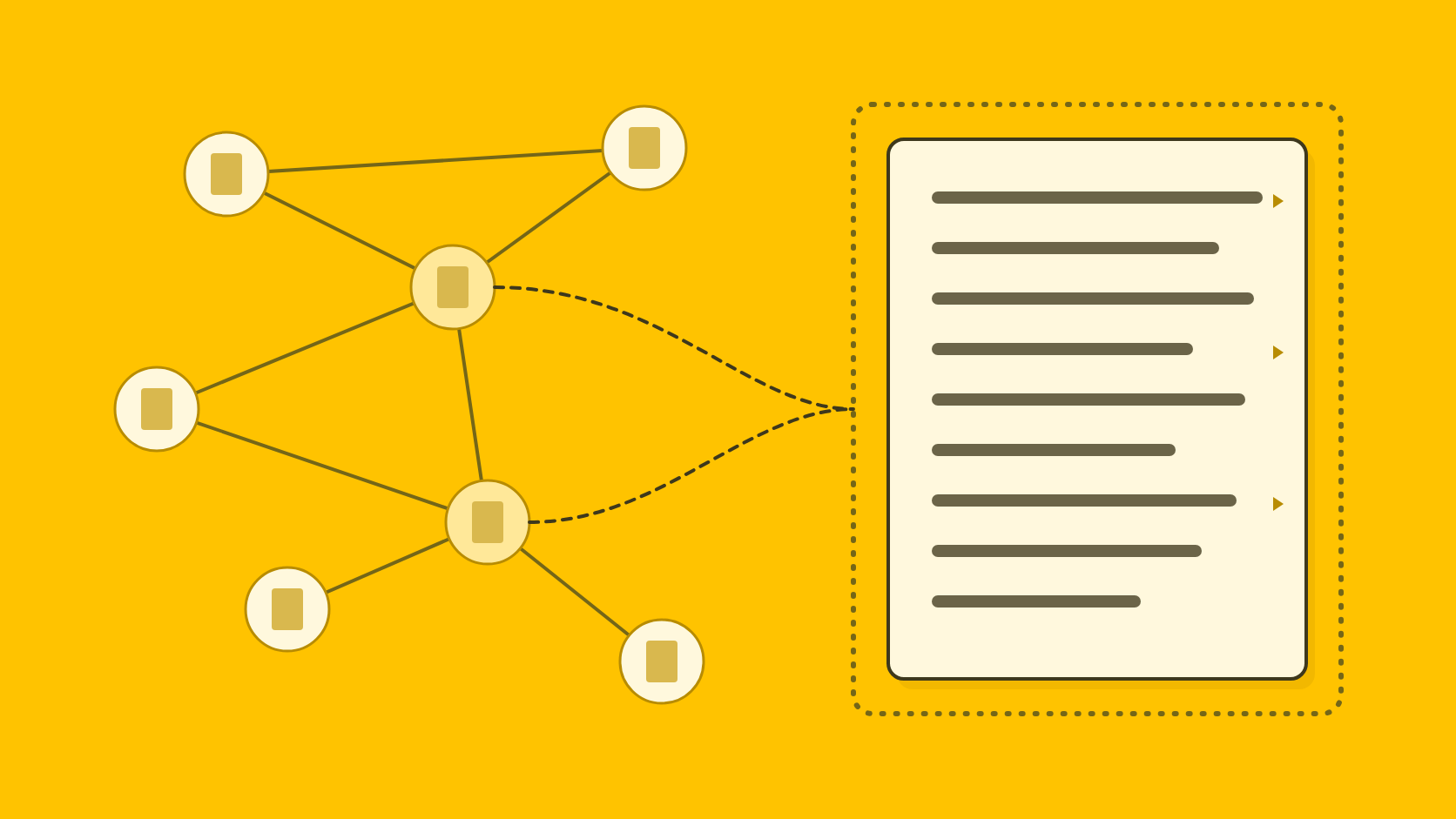
QuoteIt keeps the link between a sentence and its source, which is exactly what a whole-document prompt loses. You upload the annual report or fact sheet, and QuoteIt turns it into atomic facts, each saying whose result it is, the value, the scope and the period, with the passage it came from kept beside it. Drafts are written from those facts, and every claim is checked again against its passage.
That is how the reporter's question from the opening gets answered in seconds: the growth figure points to its passage, openable in the original page. If no passage supports it, it was flagged before the release went out.
Drafting
It starts from your documents
QuoteIt drafts the release, quote, authored article, website announcement or answer to a journalist from the reports, fact sheets, board papers and interview notes you upload.
Those documents become atomic facts, each stating whose result it is, the value, the scope and the period, with its source passage kept and openable in the original page.
Evidence
Each claim meets its passage
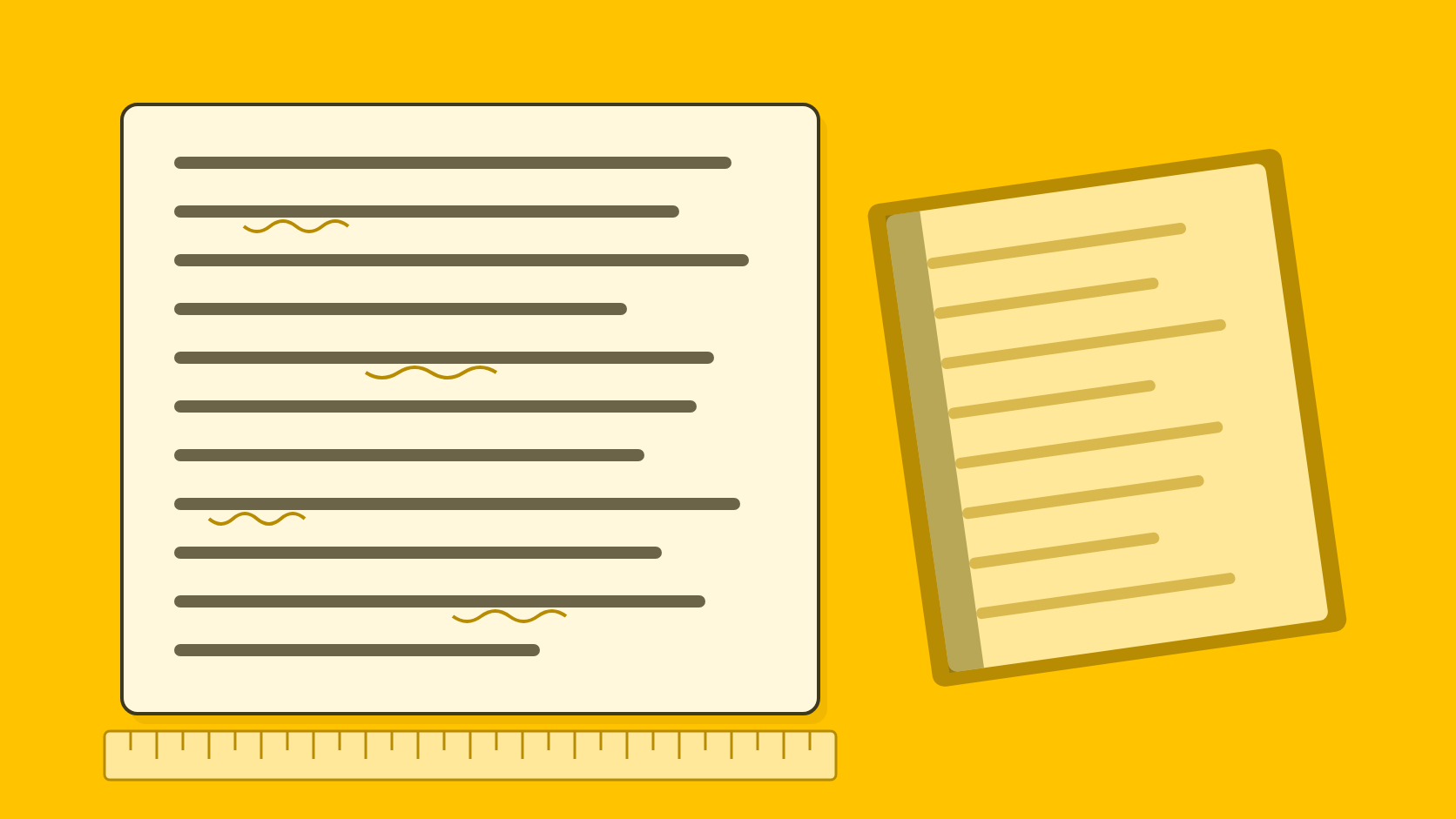
Every claim in a draft is extracted and compared with the passage it relies on, and one the passage does not fully support is flagged for a person with the passage one click away.
That covers the errors a fluent draft hides: a group figure given to a subsidiary, one site written as the whole company, a target written as achieved, or a half-year figure written as the full year.
Attribution
Spokespeople approve their own words
Each named spokesperson has a voice of their own, combined with the organization's voice and facts in their drafts. For agencies, each client's voice and facts stay inside that client.
Wording that gives a spokesperson a belief, feeling or emphasis is marked as proposed for every reviewer and needs approval from that person or whoever is authorized for them. Facts inside the quote are still checked.
Sign-off
Decisions are kept per version
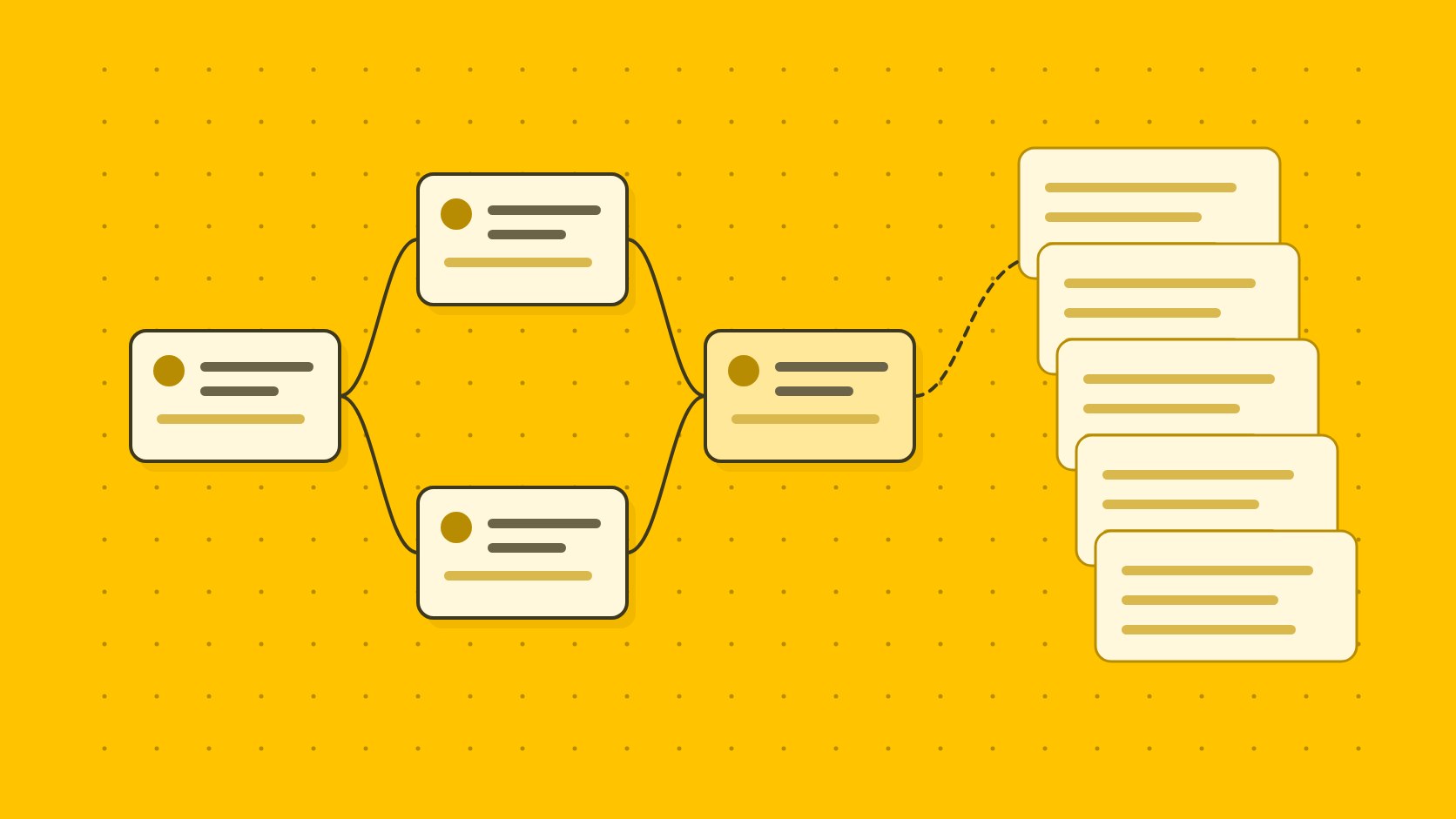
Internal review, client review through a review link and release are separate decisions, each recorded with who decided, on which version and when.
A late edit cannot ride on an earlier approval, and fixing a flagged sentence rechecks only what that change affects.
Copy.ai or QuoteIt: how do they compare for PR work?
- Built for
- Copy.aiGo-to-market, sales and RevOps teams
- QuoteItPR and communications writing
- Document to release
- Copy.aiWorkflow template; no check described
- QuoteItDrafted from facts extracted from your documents
- Shows where a figure came from
- Copy.aiNo, files go into the prompt uncited
- QuoteItThe passage in the original page
- Claims checked against your source
- Copy.aiNone documented
- QuoteItEach claim against its passage
- Opinions in a quote
- Copy.aiVoices per executive; no quote approval
- QuoteItMarked for the spokesperson to approve
- Review and sign-off record
- Copy.aiNo approval role or version history
- QuoteItInternal, client and release, per version
- Client separation
- Copy.aiPrivate Teamspaces, unlimited
- QuoteItEach client's voice and facts kept apart
- Integrations
- Copy.ai2,000+ claimed; Google Docs and OneDrive actions
- QuoteItNone
- Price
- Copy.aiChat $29 a month for 5 seats; workflows from $1,000
- QuoteItNot yet published
Copy.ai and QuoteIt for PR work, from Copy.ai's pages read 4 to 7 November 2026
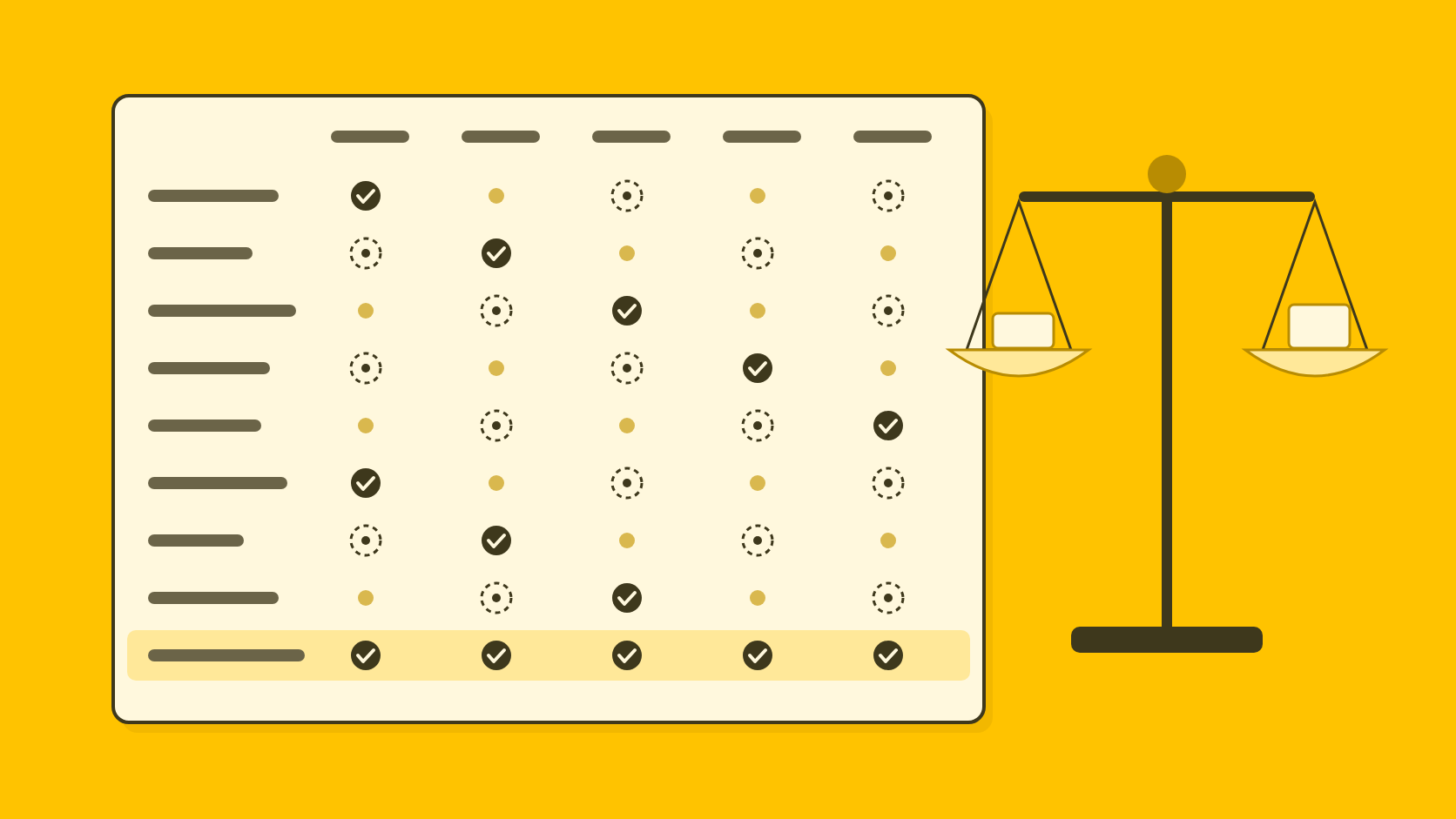
| Question | Copy.ai | QuoteIt |
|---|---|---|
| Built for | Go-to-market, sales and RevOps teams | PR and communications writing |
| Document to release | Workflow template; no check described | Drafted from facts extracted from your documents |
| Shows where a figure came from | No, files go into the prompt uncited | The passage in the original page |
| Claims checked against your source | None documented | Each claim against its passage |
| Opinions in a quote | Voices per executive; no quote approval | Marked for the spokesperson to approve |
| Review and sign-off record | No approval role or version history | Internal, client and release, per version |
| Client separation | Private Teamspaces, unlimited | Each client's voice and facts kept apart |
| Integrations | 2,000+ claimed; Google Docs and OneDrive actions | None |
| Price | Chat $29 a month for 5 seats; workflows from $1,000 | Not yet published |
When should a PR team stay with Copy.ai?
Stay with Copy.ai when it already runs your go-to-market work, or when all you need is an inexpensive chat assistant for a small team. Its workflows, Fullcast's connections to Salesforce, HubSpot, Notion and Google Workspace17, actions that create a Google Doc or OneDrive document18 and Enterprise API access cover ground QuoteIt does not touch, and its price is published.
The two can run side by side: Copy.ai for sales follow-ups and campaign variants around an announcement, QuoteIt for the release and the spokesperson's quote, where each claim is checked and the sign-off kept with the draft.
Switch when a reporter or client has ever asked where a number came from and the answer took an afternoon, or when losing a draft would cost you a deadline. Our comparison of AI tools for PR professionals covers the wider field, the Jasper alternative covers the marketing platform with a press release agent, and the Markup AI alternative covers style governance.
How do you test Copy.ai and QuoteIt on your own release?
Pick a release whose figures were questioned
Choose a past release where a figure, a period or a subject was corrected in review or queried afterwards, and gather the documents behind it.
Run the document-to-release workflow
Upload the main document to the workflow and take the release it produces. For every figure, find the page in the source that supports it, and note how long that took and which errors passed.
Give QuoteIt the same documents
Upload the same documents and brief to QuoteIt and compare its flagged claims with the corrections your reviewers made, and how fast you reach the passage behind each figure.
Can Copy.ai fact-check a press release against my documents?
No. Its document-to-release workflow describes no fact check, verification or citation step, and its terms make no warranty about accuracy. QuoteIt checks each claim in a draft against the passage in your documents that it relies on.
Can Copy.ai show which document a sentence came from?
We found no page that describes it. One help article says a selected Infobase entry goes into the prompt in full, an older one says only its most relevant pieces do, and neither documents a citation back to the entry or passage.
Who owns Copy.ai now?
Fullcast, a go-to-market and revenue operations company, announced in October 2025 that it had acquired Copy.ai. Copy.ai's homepage now presents it as a go-to-market platform.
Can an agency keep clients apart in Copy.ai?
Yes, with private Teamspaces. There is no limit on how many you create, files uploaded to one cannot be referenced outside it, and each can hold any number of Brand Voices.
Can I recover a deleted release in Copy.ai?
No. The help center says deleted work cannot be recovered and documents no restore window, so keep your own copy of anything you may need again.
Sources
Numbers in the text point here. Each link opens the original page.
- 1Repurpose documents into press releases | Copy.ai Workflow TemplatesCopy.ai
- 2Fullcast Announces the Acquisition of Copy.ai - FullcastFullcast, October 15, 2025
- 3Future proof your business with GTM AICopy.ai
- 4Plans & Pricing | Copy.aiCopy.ai
- 5Secure Generative AI you can trust | Copy.aiCopy.ai
- 6Chat: Enterprise-safe AI that Speaks in Your Brand VoiceCopy.ai, April 21, 2026
- 7Free AI Press Release WriterCopy.ai
- 8What are Teamspaces?Copy.ai, February 5, 2026
- 9Teamspaces FAQCopy.ai, February 5, 2026
- 10Getting Started With InfobaseCopy.ai, February 5, 2026
- 11Getting Started with Brand VoiceCopy.ai, February 5, 2026
- 12Can I recover deleted data?Copy.ai, February 5, 2026
- 13Copy.ai Terms of ServiceCopy.ai, October 12, 2023
- 14User Roles for Workspace and TeamspaceCopy.ai, February 5, 2026
- 15FullcastFullcast
- 16Get Started with Content Agent StudioCopy.ai, March 18, 2026
- 17Fullcast Copy.aiFullcast
- 18ChangelogCopy.ai
- 19Additional Pricing QuestionsCopy.ai, February 5, 2026
- 20PricingCopy.ai, February 5, 2026
Written by
Shubham Kukrety, Founder and CEO, QuoteIt
Shubham Kukrety co-founded QuoteIt to fix the part of PR writing that ends in a long mail trail: facts that drift between the source document and the published statement. QuoteIt drafts press releases, spokesperson quotes, bylined articles and answers to journalists from a team's own documents, in each spokesperson's own voice, and shows every claim beside the passage it came from before anyone signs off.
How these posts are researchedRun one past release through QuoteIt. Upload the documents behind it, and every figure in the new draft points to the passage it came from, with anything unsupported flagged before it goes out.
Join the Pilot